
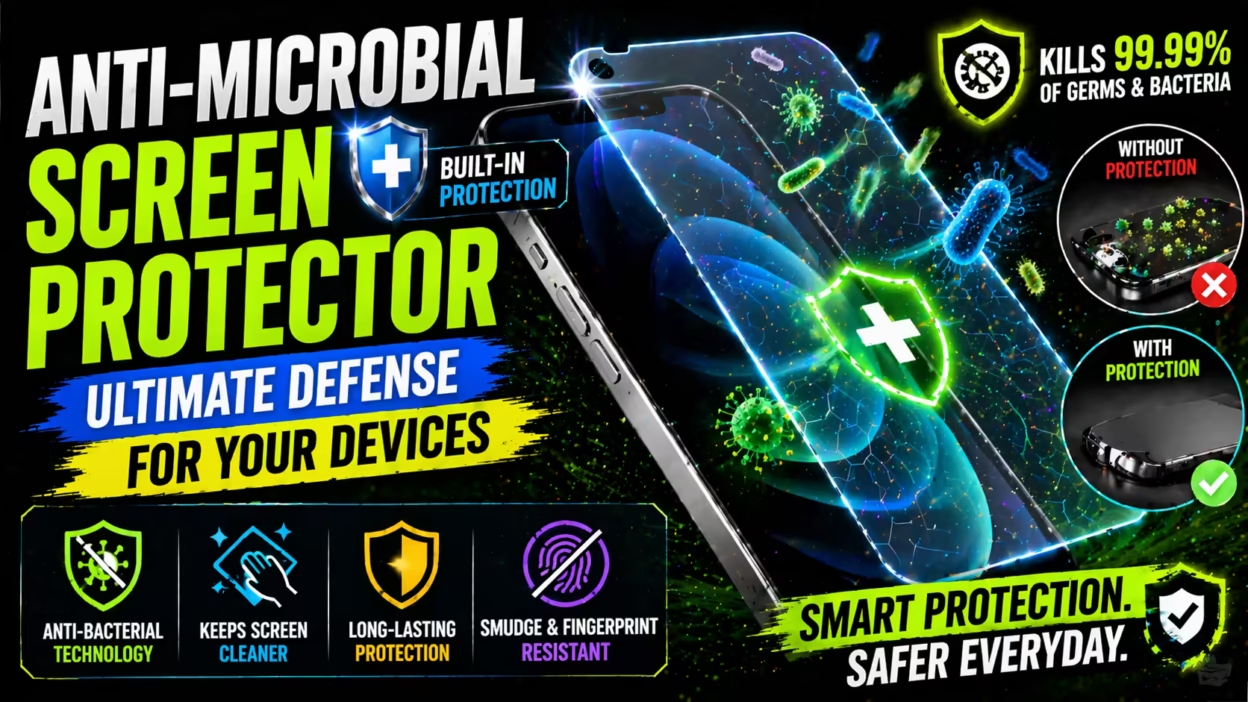
Every day, we touch our phone screens dozens or even hundreds of times. We use them after handling money, opening doors, or riding public transport. But have you ever wondered how many germs live on your smartphone’s surface? Research shows that mobile screens can have more bacteria than a toilet seat. This is why anti-microbial screen protectors are becoming more popular. They add a new layer of safety to our daily devices. But what are they, how do they work, and are they really necessary? Let’s explore everything you need to know about these modern protectors.
What Is An Anti-microbial Screen Protector?
An anti-microbial screen protector is a thin layer placed over a device’s display. It is designed to kill or stop the growth of microbes like bacteria, mold, and some viruses. Unlike regular protectors, these have special coatings or materials that keep your screen safer from invisible threats.
These protectors are made for smartphones, tablets, laptops, and even smartwatches. They work all day, not just when you clean your device. The goal is to reduce the number of harmful germs that can transfer from your screen to your hands and face.
Why Do Screens Need Anti-microbial Protection?
People use their phones everywhere—in bathrooms, kitchens, hospitals, and public places. Our hands pick up germs from surfaces, and those germs easily transfer to our screens. When we touch the screen again, the germs can move back to our fingers, face, or even food.
Some studies found that a mobile phone can carry up to 10 times more bacteria than a toilet seat. Most of these bacteria are harmless, but some can cause illness, especially for children, older adults, or people with weak immune systems.
Anti-microbial screen protectors help break this cycle. They do not replace hand washing, but they can lower the risk of spreading bacteria and other germs.
How Do Anti-microbial Screen Protectors Work?
The secret is in the materials. These protectors usually have a coating or are infused with anti-microbial agents. The most common is silver ions. Silver has been used for hundreds of years to keep surfaces clean and safe.
Here’s how they work:
- Silver ions in the protector interact with the cell walls of microbes.
- The ions disrupt the microbe’s cell function, stopping them from growing or multiplying.
- Over time, this helps kill existing germs and prevents new ones from living on the surface.
Some brands use copper, zinc, or other compounds with similar effects. The process is safe for humans but harmful to bacteria and some viruses.
Types Of Anti-microbial Screen Protectors
Not all protectors are made the same. You’ll find several types, each with its benefits.
1. Tempered Glass Protectors
These are made from hardened glass. They are strong, resist scratches, and offer good clarity. The anti-microbial layer is added on top. Many people choose tempered glass because it feels like the original screen and gives solid drop protection.
2. Plastic Film Protectors
Usually made from PET or TPU material. They are flexible and thin. These protectors are cheaper and easier to install, but they may scratch more easily. The anti-microbial coating is applied during manufacturing.
3. Liquid Screen Protectors
Instead of a physical sheet, these are liquids you wipe on the screen. They harden to form a protective, anti-microbial layer. They are almost invisible but usually offer less impact protection compared to glass.
4. Privacy Anti-microbial Protectors
Some protectors combine anti-microbial properties with privacy filters. This means only people looking straight at the screen can see it. These are popular for business users or anyone who uses their device in public.
Key Features To Look For
When shopping for an anti-microbial screen protector, you should consider more than just the anti-microbial label. Here are important features to check:
- Clarity: The protector should not reduce screen brightness or color accuracy.
- Touch Sensitivity: It should feel smooth and not make your device less responsive.
- Durability: Look for scratch and shatter resistance, especially for glass types.
- Case Compatibility: It should fit with your phone case without lifting or peeling.
- Easy Installation: Air bubble-free installation makes life easier.
- Effectiveness: Check if the product has been tested by independent labs. Some brands publish test results to show their anti-microbial effectiveness.
- Warranty: Some protectors come with a replacement guarantee if they crack or wear out.
Benefits Of Using Anti-microbial Screen Protectors
Adding an anti-microbial screen protector has several advantages:
1. Healthier Surface
The main benefit is a cleaner screen. The anti-microbial layer works 24/7 to kill or reduce bacteria. This is useful for people who share devices, work in healthcare, or have young children.
2. Reduced Odors
Bacteria can cause bad smells on surfaces. By controlling bacteria, your device is less likely to develop unpleasant odors over time.
3. Added Device Protection
Most anti-microbial protectors also guard against scratches, cracks, and drops. This means you get two types of defense in one product.
4. Lower Cleaning Frequency
You may not need to clean your screen as often. The protector helps keep the surface safer between cleanings. However, you should still wipe your device regularly.
5. Peace Of Mind
It feels good to know that your device is protected against invisible threats. In today’s world, this small extra step can make a big difference, especially during cold and flu season.
Scientific Research And Proof
Not all anti-microbial protectors are equal. Some brands do clinical testing to show their products really work. For example, independent labs often test how many bacteria remain after 24 hours on treated vs. untreated glass.
A study published in the Journal of Hospital Infection found that silver and copper surfaces can reduce bacterial levels by over 99% in some cases. Many anti-microbial screen protectors use similar technology.
However, users should know that these protectors are not a replacement for regular cleaning and good hygiene. They are an extra layer of defense, not a cure-all.
How To Install An Anti-microbial Screen Protector
Installing a screen protector can be tricky, but with care, you can get a perfect fit.
- Clean your screen: Use the included cleaning wipe or a lint-free cloth. Remove all dust and fingerprints.
- Dry the surface: Make sure the screen is completely dry.
- Align the protector: Peel off the backing and line up the protector with your device’s screen. Many brands include guide stickers to help.
- Apply slowly: Lower the protector onto the screen. Start from one end and press gently to avoid air bubbles.
- Remove bubbles: Use a card or the included squeegee to push out any trapped air.
Liquid protectors are different. You wipe the liquid on, let it dry, and then polish the surface. Always follow the instructions from the manufacturer for best results.
Comparing Anti-microbial Screen Protectors Vs. Regular Screen Protectors
It helps to see how these protectors compare to regular options. Here’s a quick comparison:
| Feature | Anti-Microbial Protector | Regular Protector |
|---|---|---|
| Microbe Defense | Yes | No |
| Scratch Protection | Yes | Yes |
| Impact Resistance | Yes (tempered glass) | Yes (tempered glass) |
| Odor Control | Yes | No |
| Cost | Usually higher | Lower |
Real-world Uses And Who Should Consider Them
Some people can benefit more from anti-microbial screen protectors:
- Healthcare workers: Doctors, nurses, and hospital staff use devices around sick people.
- Parents: Kids often touch screens with dirty hands.
- Travelers: Using devices in airports, buses, and public areas increases exposure to germs.
- Office workers: Shared devices or hot-desking can spread bacteria quickly.
- Elderly or immune-compromised individuals: They are more at risk from infections.
If you’re in any of these groups, or just want extra peace of mind, an anti-microbial protector is a smart investment.
How Long Do Anti-microbial Screen Protectors Last?
Most high-quality protectors last as long as regular ones—around 6 to 12 months. The anti-microbial effect is built into the material, so it does not wipe off with cleaning. However, if the surface gets scratched or damaged, effectiveness may decrease.
Some brands offer a lifetime warranty or discounted replacements. It’s a good idea to replace your protector if you see cracks, chips, or peeling edges.
Common Myths About Anti-microbial Screen Protectors
There are some misunderstandings about these products. Let’s clear them up:
- Myth: They make your device completely germ-free.
- Fact: They reduce microbes, but do not remove all germs. Regular cleaning is still needed.
- Myth: The coating wears off quickly.
- Fact: Most protectors use permanent treatments. The effect lasts as long as the protector is intact.
- Myth: They are unsafe for humans.
- Fact: Materials like silver or copper are safe for touch. They only target bacteria and do not harm your skin.
- Myth: They feel different to use.
- Fact: Good quality protectors feel smooth and do not affect touch sensitivity.
- Myth: They are only for hospitals.
- Fact: Anyone can use them, from students to business professionals.
Environmental And Safety Concerns
Some people worry about the environmental effect of extra coatings. Most anti-microbial protectors use safe, non-toxic materials. Silver ions, for example, are used in many medical products.
Disposing of old protectors should be done properly. Do not burn or throw them in nature. Many brands use recyclable packaging and materials. If you care about the planet, look for eco-friendly options.
How To Clean Devices With Anti-microbial Protectors
Even with protection, regular cleaning is important:
- Use a soft, lint-free cloth. Microfiber works well.
- Avoid harsh chemicals like bleach or ammonia. Mild soap and water are enough.
- Do not use rough materials that could scratch the protector.
- Clean your device at least once a week, or more often if used in public places.
The anti-microbial layer will keep working between cleanings.
Cost Comparison: Are They Worth It?
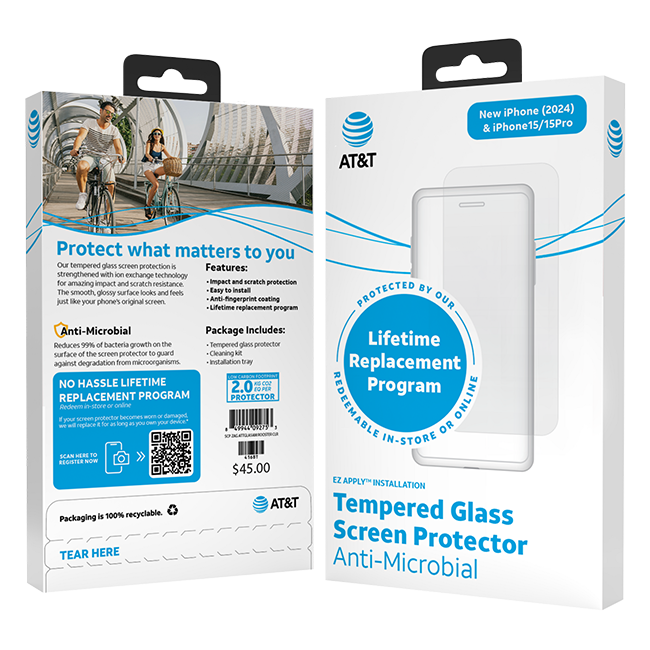
Anti-microbial screen protectors usually cost 20–50% more than standard protectors. For example, a regular glass protector might cost $10, while an anti-microbial version costs $15–$20.
Is the extra price worth it? For most people, the answer is yes—especially if you value cleanliness and peace of mind. The added cost is small compared to the price of your device or the risk of getting sick.
Here’s a sample price comparison:
| Protector Type | Average Price (USD) | Main Feature |
|---|---|---|
| Standard Tempered Glass | $10 | Scratch/Impact Protection |
| Anti-Microbial Glass | $15–$20 | Microbe Defense + Protection |
| Premium Privacy + Anti-Microbial | $25–$30 | Privacy + Microbe Defense |
How To Choose The Best Anti-microbial Screen Protector
Picking the right protector can be confusing. Here’s what to focus on:
- Compatibility: Make sure the protector fits your exact device model.
- Material Quality: Tempered glass is best for protection and clarity. Film is cheaper but less durable.
- Brand Reputation: Choose brands with good reviews and clear test results.
- Ease of Installation: Look for kits with guide frames or easy-align stickers.
- Warranty and Support: A good warranty can save you money in the long run.
- Extra Features: Consider if you want privacy, anti-glare, or blue light blocking.
A common mistake is buying the cheapest option without checking quality. Poor protectors can peel, crack easily, or not have real anti-microbial treatment.
Pros And Cons Of Anti-microbial Screen Protectors
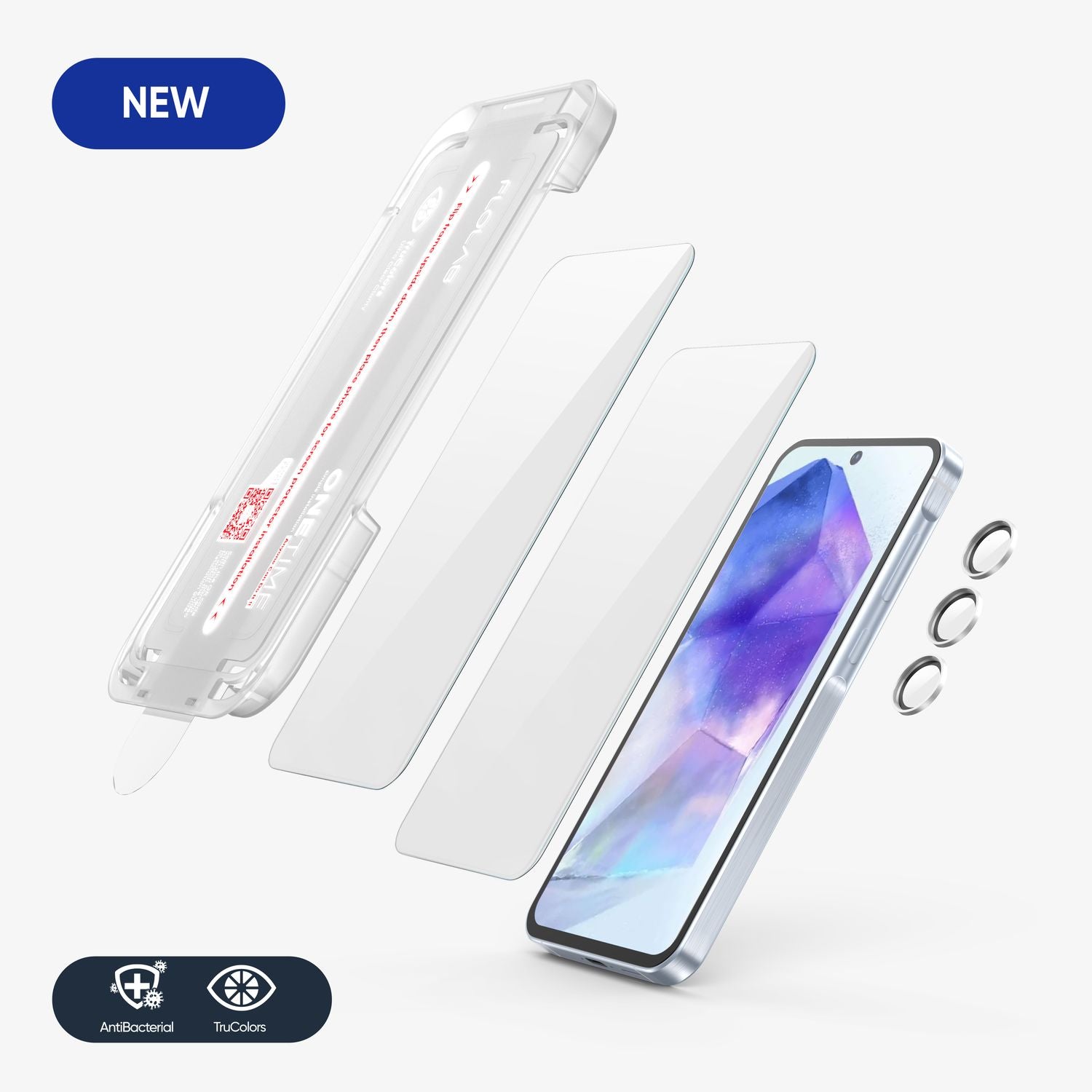
No product is perfect. Here’s a quick overview of the main advantages and drawbacks:
Pros
- Reduces bacteria and some viruses
- Protects against scratches and drops
- Can reduce odors
- Easy to install and use
- Feels like normal glass (for tempered glass types)
- Some come with privacy or blue light features
Cons
- Higher price than basic protectors
- Anti-microbial effect does not kill all germs instantly
- Low-quality products may not work as advertised
- Rarely, coatings may wear out if damaged
Non-obvious Insights Most Beginners Miss
Many people think an anti-microbial screen protector means you never have to clean your device again. In reality, fingerprints, dust, and oils still build up. The protector only targets microbes, not dirt or smudges. Cleaning your device is still important for clarity and hygiene.
Another detail: Some protectors lose their anti-microbial power if scratched deeply. Even small cracks can let bacteria hide underneath. This is why it’s smart to check your protector every few months and replace it if damaged.
Are Anti-microbial Screen Protectors A Trend Or Here To Stay?
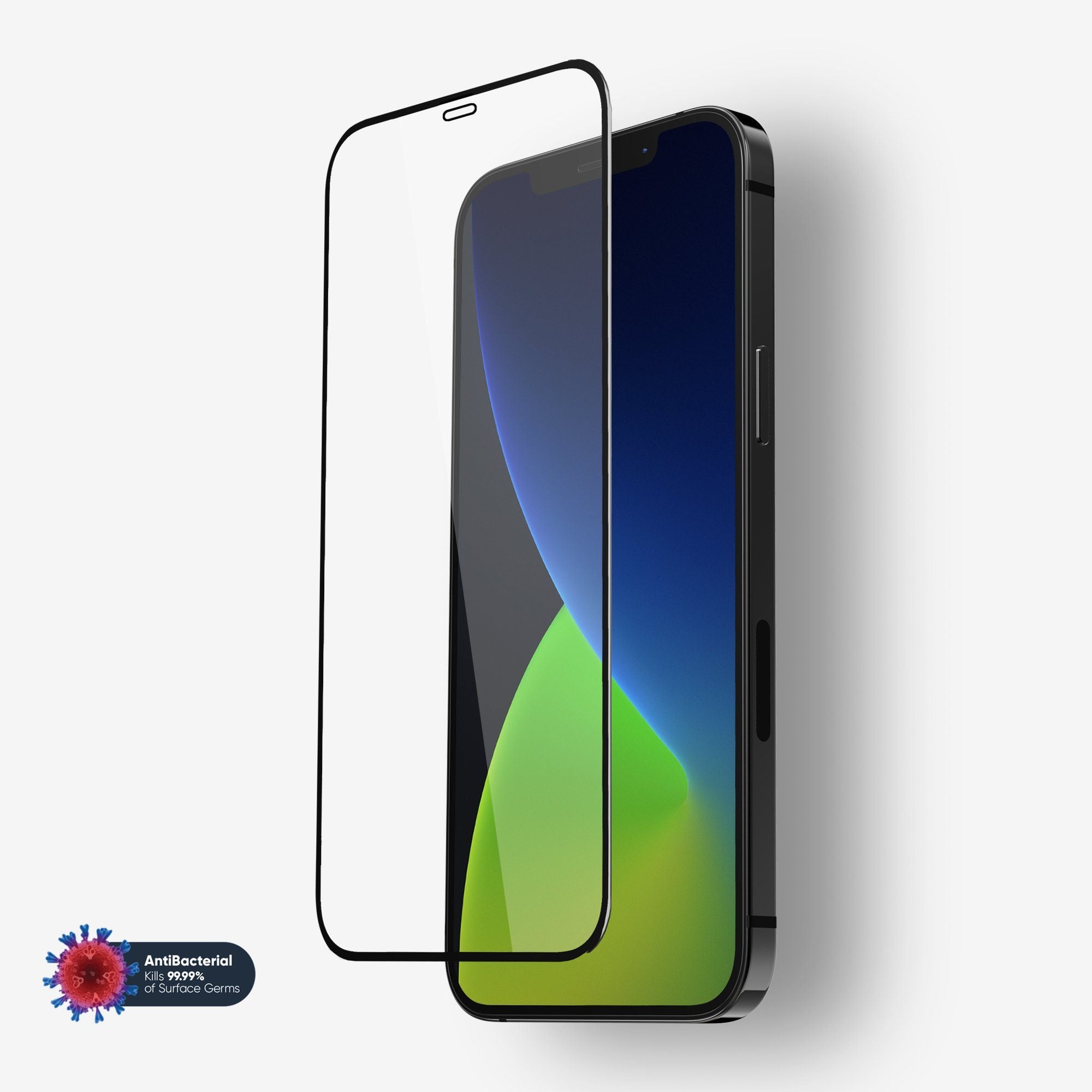
The COVID-19 pandemic made people more aware of surface hygiene. As a result, anti-microbial products have become more common—not just for phones, but for laptops, ATMs, and even elevator buttons.
The technology is likely to stay. People want cleaner, safer surfaces, and more brands are adding these features to their products. As the market grows, prices will likely become more affordable, and the coatings will get even better.
Where To Buy Anti-microbial Screen Protectors
You can find these protectors online, in electronics stores, and sometimes in big supermarkets. Popular brands include ZAGG, Belkin, and Otterbox. Always check for proof of anti-microbial claims. Look for “lab-tested” or “ISO-certified” on the packaging.
For more scientific details, check out this Wikipedia article on antimicrobial surfaces.
Frequently Asked Questions
What Microbes Do Anti-microbial Screen Protectors Fight?
They mainly target bacteria and, to some extent, certain viruses and fungi. Common bacteria like Staphylococcus and E. coli are reduced on treated surfaces. However, not all viruses are affected, and the protector does not replace regular cleaning or handwashing.
Will The Anti-microbial Coating Wear Off With Cleaning?
No, high-quality protectors use built-in coatings. This means the anti-microbial effect is inside the material, not just on the surface. Normal cleaning will not remove it, but heavy scratches or cracks can reduce its effectiveness.
Can I Use An Anti-microbial Screen Protector With Any Case?
Yes, most are designed to work with popular cases. However, very tight or rugged cases may lift the edges. It’s best to buy both the protector and case from the same brand, or check compatibility before buying.
Do Anti-microbial Protectors Interfere With Fingerprint Sensors?
Most do not. Good protectors are thin and clear enough for fingerprint sensors to work. If your device uses an in-display fingerprint reader, choose a protector labeled as “sensor compatible. ”
Are Anti-microbial Screen Protectors Safe For Children?
Yes, they use safe materials like silver or copper ions. These do not harm human skin and are even used in medical devices. Always buy from trusted brands to ensure safety and effectiveness.
Keeping our devices clean is now more important than ever. Anti-microbial screen protectors offer a simple way to make your screens safer, without changing how you use your phone or tablet. They are not perfect, but they add valuable protection for your health and your device. If you value cleanliness and peace of mind, an anti-microbial protector is a smart choice for the modern world.


