
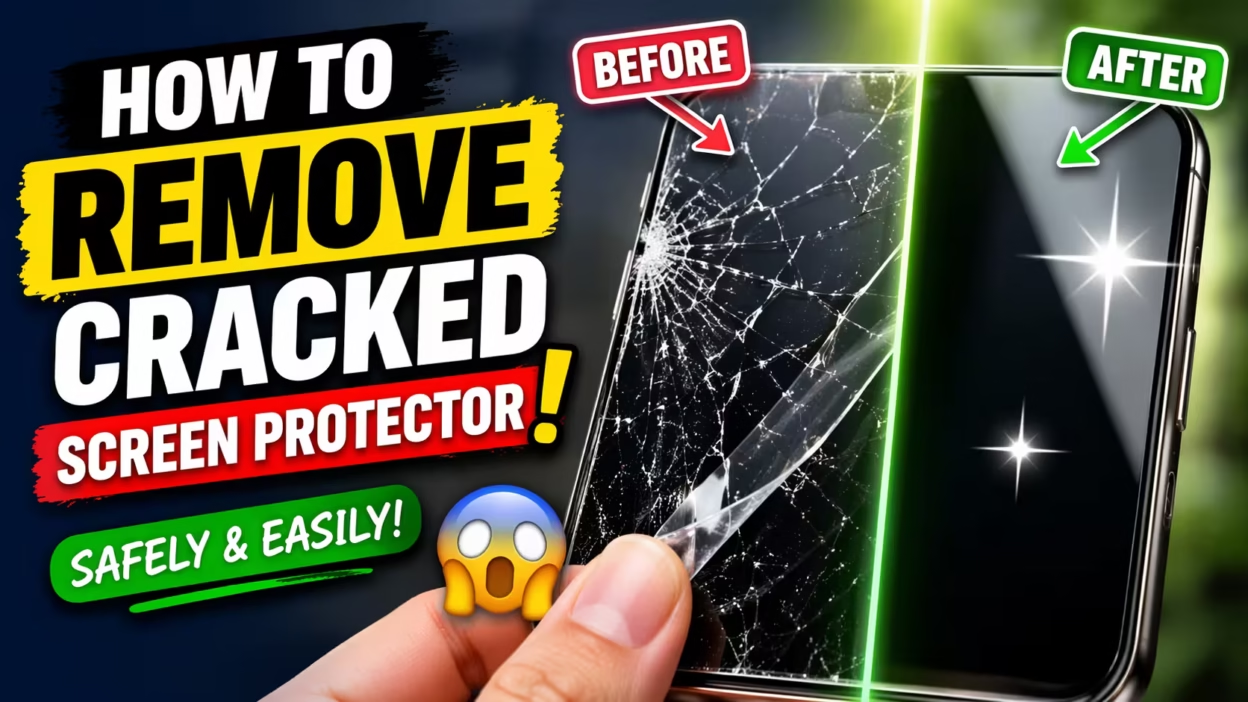
If you’ve noticed cracks or chips in your screen protector, it’s time to remove it. Many people worry about damaging their phone or tablet, but with the right steps, you can do this safely. Removing a cracked screen protector is not only about keeping your device looking clean—it’s also about protecting your fingers from sharp edges and your screen from further harm.
This complete guide will walk you through every detail, from gathering the right tools to careful removal, cleaning up, and installing a new protector. You’ll also learn expert tips, common mistakes to avoid, and get answers to the most frequently asked questions.
Why Remove A Cracked Screen Protector?
You might think a few cracks aren’t a big deal. But a broken protector can quickly become a problem. Cracks can trap dust and moisture, which may scratch your actual screen or cause touch issues. Sharp edges are a safety hazard—one slip can cut your finger. Finally, cracks make it harder to see your display, which affects daily use. Removing and replacing a broken protector is a quick way to maintain your device’s value and your own safety.
What You’ll Need Before You Start
Preparation is key. Having the right tools ready will prevent last-minute scrambles and reduce the risk of damage. Gather these items:
- A plastic card (like an old credit or loyalty card)
- A piece of masking or packing tape (about 10–15 cm long)
- A microfiber cloth
- A can of compressed air (optional, but helpful)
- A new screen protector (if you plan to replace it immediately)
- Clean hands (wash and dry before starting)
- A clean, flat workspace (to avoid dropping your device)
Avoid using metal tools, as these can scratch your screen. A plastic card is gentle but sturdy enough for most protectors.
Step-by-step Guide: How To Remove A Cracked Screen Protector
Removing a cracked screen protector may look simple, but doing it wrong can cause more harm than good. Let’s break the process into clear steps.
Step 1: Power Off Your Device
Start by powering off your phone or tablet. This reduces the chance of accidental touches or damage during the process. If your device’s battery is removable, take it out as an extra safety measure.
Step 2: Clean Your Hands And Workspace
Wash your hands to remove any oil or dirt. Wipe your workspace with a damp cloth to get rid of dust. Lay a clean towel or cloth down to cushion your device.
Step 3: Inspect The Protector
Look closely at the cracked screen protector. Notice where the cracks are, and check if any pieces are already lifting. Sometimes, one corner or edge will be looser than the rest. This is the best place to start.
Step 4: Loosen A Corner
Take your plastic card and gently slide it under a lifted edge or corner. If no corner is loose, use a piece of tape to help. Stick the tape to one corner, press down, then slowly pull up. This can lift the edge just enough to insert the card.
Step 5: Lift The Protector Slowly
Work the card further under the edge. Move slowly and gently to avoid cracking the glass further or damaging the screen. With each small lift, move the card along the edge, lifting a little more each time. If the protector starts to split or shatter, stop and reassess.
Step 6: Remove The Protector With Tape (for Stubborn Cases)
If the card method doesn’t work, try the tape-only technique. Stick a strong piece of tape to one corner, fold it over the edge, and pull upward slowly. Sometimes, double-sided tape works better.
Step 7: Dispose Of The Broken Protector Safely
As you remove the protector, broken pieces may fall off. Place the cracked protector directly into a trash bag, and wipe away any small shards from your workspace. If the protector is glass, wrap it in paper before throwing it away to avoid injuries.
Step 8: Clean The Screen
After removal, your device’s screen will likely have dust, adhesive residue, or fingerprints. Use a microfiber cloth to wipe the surface. For sticky spots, lightly dampen the cloth with a bit of water or a screen-safe cleaner. Avoid spraying anything directly on the device.
Step 9: Inspect For Damage
Look over your screen for scratches or chips that may have occurred. If you see any, consider using a new protector immediately to prevent further damage.
Step 10: Apply A New Protector
If you have a new protector, now is the best time to install it. Follow the instructions that came with your new protector for best results. If not, keep your device safe from drops and scratches until you get a replacement.
Types Of Screen Protectors And Removal Challenges
Not all protectors are the same. Removing a tempered glass protector is different from removing a plastic film protector. Here’s a comparison to help you understand the challenges.
| Protector Type | Removal Difficulty | Risks | Best Tools |
|---|---|---|---|
| Tempered Glass | Medium–High | Shattering, glass splinters | Plastic card, tape |
| Plastic Film | Low–Medium | Stretching, adhesive residue | Plastic card, fingernail, tape |
| Privacy Screen | Medium | Peeling, adhesive left on screen | Plastic card, tape |
Non-obvious insight: Tempered glass protectors can shatter into tiny pieces, so always keep your eyes protected and clean your workspace thoroughly. Plastic film protectors rarely shatter, but the leftover adhesive can be stubborn.

How To Handle Stubborn Or Shattered Protectors
Sometimes, a protector is so badly cracked it won’t come off in one piece. Here’s what you can do:
- Use more tape: Layer two or three strips for a stronger grip. Press firmly, then pull slowly.
- Work in sections: If the protector breaks into pieces, remove each piece one at a time. Don’t rush.
- Avoid metal tools: Even if tempted, don’t use knives or razors—they can scratch your screen.
- Protect your eyes and fingers: Tiny glass shards can fly off. Wear glasses and wash your hands thoroughly after removal.
If a small part won’t come off, try using the sticky side of tape to dab at the leftover bits. Patience is key.
Cleaning Up After Removal
Once the protector is off, your screen may not look perfect. Here’s how to get it spotless:
- Dust removal: Use a can of compressed air to blow away small glass particles or dust.
- Wipe with microfiber: Gently clean with a microfiber cloth.
- Remove sticky residue: Dampen the cloth with a drop of isopropyl alcohol or use a screen-safe cleaning wipe.
- Final inspection: Hold your device up to the light to check for streaks or leftover bits.
Common mistake: Using paper towels or rough fabrics can scratch your screen. Always use microfiber.
When To Seek Professional Help
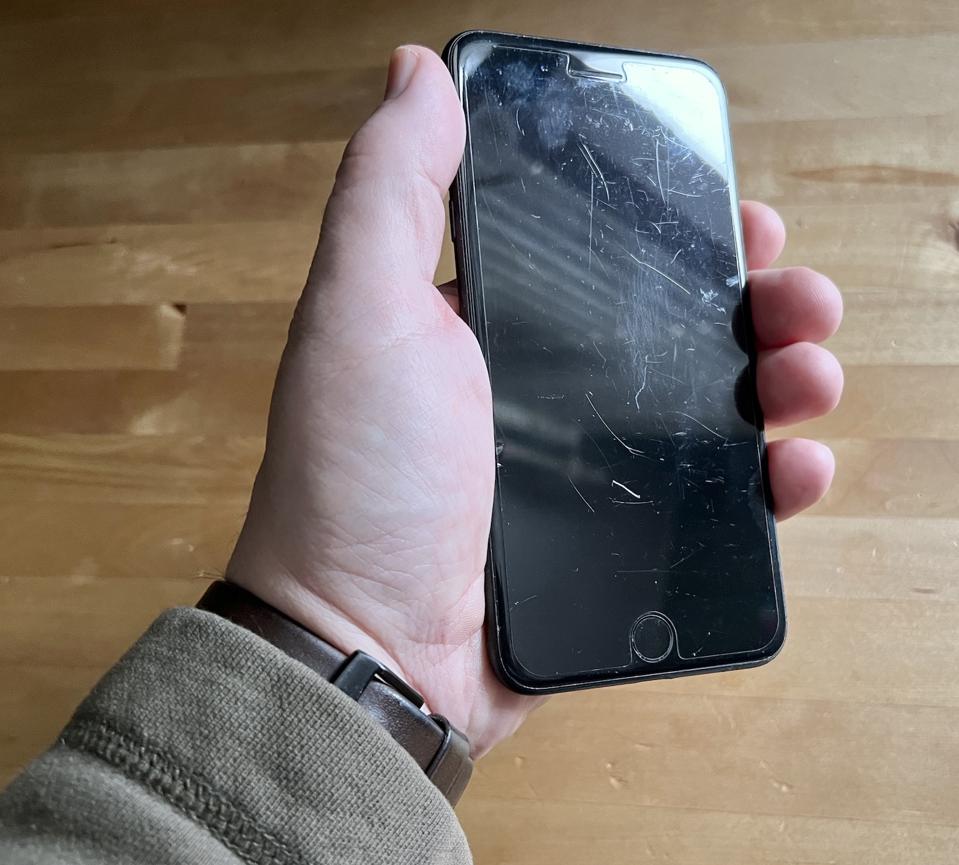
Most people can remove a cracked screen protector themselves. However, some situations call for an expert:
- The protector is fused to the screen or won’t budge after several tries.
- You see cracks on the actual screen underneath the protector.
- You’re unsure if the protector or the screen is cracked.
- You have a high-value or rare device.
A professional repair shop can remove the protector using special tools and check your screen for hidden damage.
Comparing Diy Removal Vs. Professional Service
For some, it’s tempting to go straight to the shop. Here’s a quick comparison to help you decide.
| Option | Cost | Time | Risk | When to Choose |
|---|---|---|---|---|
| DIY Removal | Free | 10–20 minutes | Low–Medium | Simple cracks, moderate protector damage |
| Professional Service | $10–$30 (varies) | 30–60 minutes (with wait) | Low | Fused protectors, confusion about screen damage |
Experience-based tip: Most cracked protectors can be removed at home with patience and care. However, if you’re nervous or the protector just won’t come off, the cost of professional help is often less than the price of a new screen.
How To Tell If The Actual Screen Is Cracked
Many users confuse a cracked protector with a cracked screen. Here’s how to tell the difference:
- Feel for the crack: Run your finger over the crack. If it’s raised, it’s likely the protector.
- Check edge lines: Protector cracks usually stop at the edge of the protector, not the device frame.
- Look for touch problems: If your screen isn’t responding, the damage may be deeper.
- Remove the protector: If you’re unsure, remove the protector to inspect the screen directly.
Non-obvious insight: Sometimes, a spider-web crack pattern belongs only to the protector. After removal, screens are often undamaged underneath.
How To Apply A New Screen Protector
After removing the cracked protector, it’s best to install a new one immediately. Here’s a quick summary:
- Clean the screen thoroughly—no dust or fingerprints.
- Peel off the adhesive backing from the new protector.
- Align carefully with the device’s edges, camera, and buttons.
- Press gently from the center outward to avoid bubbles.
- Use a card or squeegee to smooth out air pockets.
If dust gets trapped, lift the edge slightly and use a small piece of tape to remove it. Patience leads to the best results.
Tips To Prevent Future Cracks
A new protector can last longer if you follow these habits:
- Use a sturdy case: Most cracks happen during drops.
- Avoid pockets with keys or coins: Hard objects can crack the glass.
- Replace protectors early: If you see chips or minor cracks, replace before they spread.
- Buy good quality protectors: Cheap ones break easily and may not protect as well.
Environmental Impact: Where To Dispose Of Old Protectors
Screen protectors are usually made of plastic or glass. Most local recycling centers do not accept them. Instead:
- Wrap in paper or plastic before disposing to prevent injury.
- Check e-waste recycling programs in your city. Some electronics stores accept used accessories.
- Never flush or burn protectors. This releases harmful chemicals.
For more information on recycling electronics, visit the EPA’s recycling page.
Advanced Troubleshooting: What If The Protector Is Glued Down?
Some protectors use strong adhesive or UV glue. If yours won’t come off:
- Warm the screen slightly: Use a hair dryer on low for 10–15 seconds (not hot). This can loosen adhesive.
- Apply more tape: Stronger tape, like packing tape, may grip better.
- Don’t force it: If the protector still won’t budge, seek professional help.
Warning: Overheating the screen can cause more damage. Use only gentle warmth.
Special Cases: Removing Protectors From Tablets, Smartwatches, And Laptops
The process is similar, but larger screens or curved edges need extra care.
Tablets
- Work on a flat, cushioned surface.
- Remove the protector in sections to avoid cracking the larger glass.
Smartwatches
- Use a smaller piece of tape or a thin plastic pick.
- Be gentle—small screens are easier to damage.
Laptops
- Prop the device up for better leverage.
- Double-check for sensors or cameras near the edges.
Each device may require a slightly different approach, but the basics remain the same: patience, gentle tools, and careful cleaning.
Myths About Removing Screen Protectors
Let’s clear up some common myths:
- “You need a special tool.” False. Plastic cards and tape are all you need.
- “Removing a protector voids the warranty.” Not true for most devices.
- “The screen is always damaged underneath.” Not usually. Protectors do their job well.
- “Only professionals can do it safely.” Most people can handle this at home.
Data: How Often Do People Replace Screen Protectors?
A recent survey found:
| Replacement Reason | Percentage of Users |
|---|---|
| Cracked protector | 57% |
| Scratched protector | 21% |
| Protector peeled off | 13% |
| Protector became cloudy | 9% |
Most people replace protectors because of cracks. Regular replacement keeps your device safe and looking good.
Frequently Asked Questions
How Do I Know If The Protector Or The Screen Is Cracked?
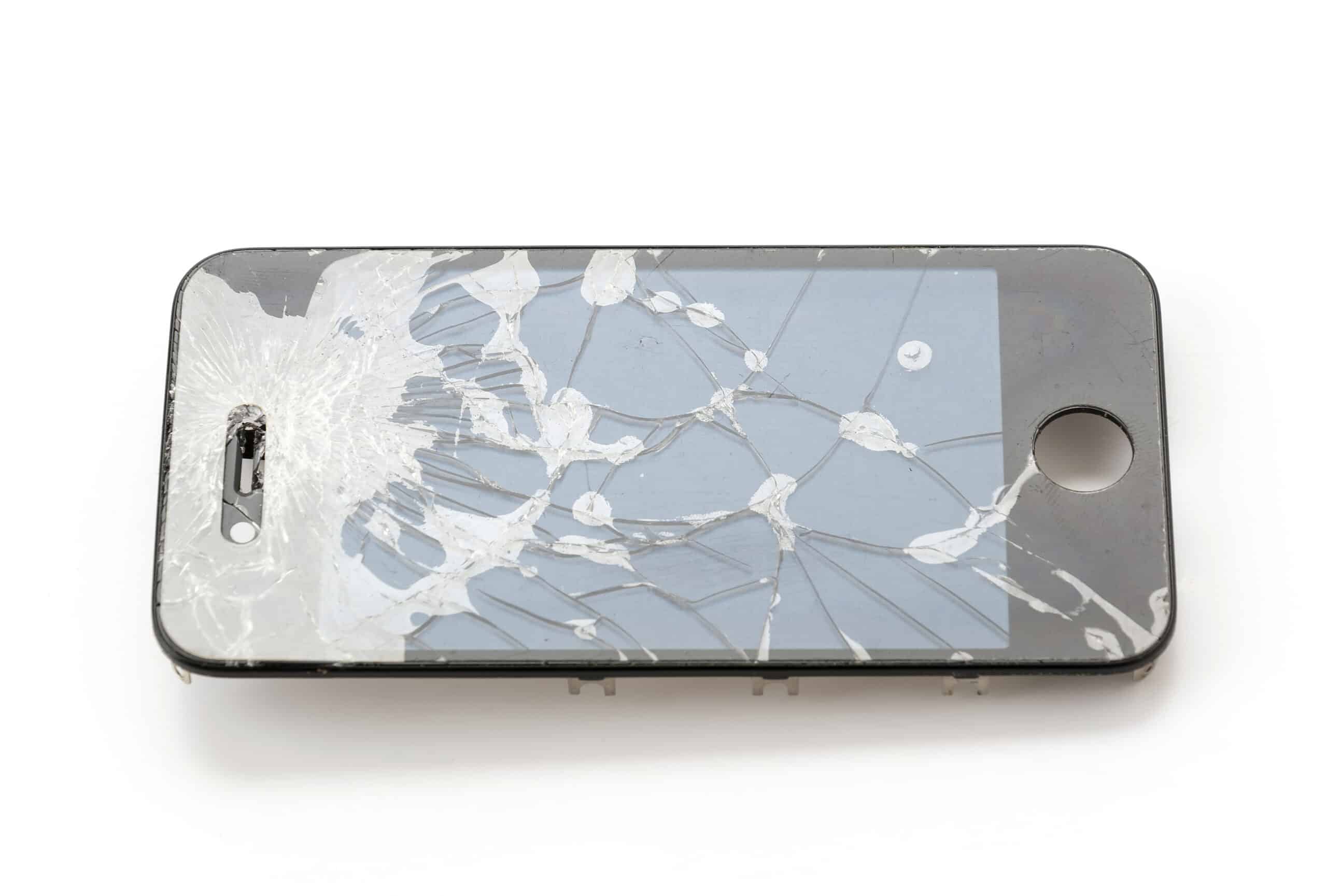
Look closely at the cracks. If you can feel the crack with your fingernail and it stops at the edge of the protector, it’s likely just the protector. Removing the protector will confirm this.
Can I Remove A Cracked Protector Without Tools?
Yes. You can use your fingernail to lift a corner, but a plastic card or tape makes it much easier and safer, especially if the protector is glass.
What If The Protector Shatters During Removal?
Work slowly, and remove one piece at a time. Use tape to pick up small shards. Always clean your hands and workspace afterward to avoid injury.
Is It Okay To Use A Hair Dryer To Loosen Glue?
Yes, but use only the lowest heat setting and keep it 20–30 cm from the screen. Too much heat can damage your device.
Should I Always Replace The Protector After Removing A Cracked One?
It’s highly recommended. Without a protector, your screen is exposed to scratches and drops. Install a new one as soon as possible.
Removing a cracked screen protector doesn’t have to be stressful. With the right approach, you can do it safely and keep your device in top shape. Remember, patience and gentle handling are your best tools. If you ever feel unsure, a professional can always help.
Taking care of your screen now saves you from bigger problems later.


