
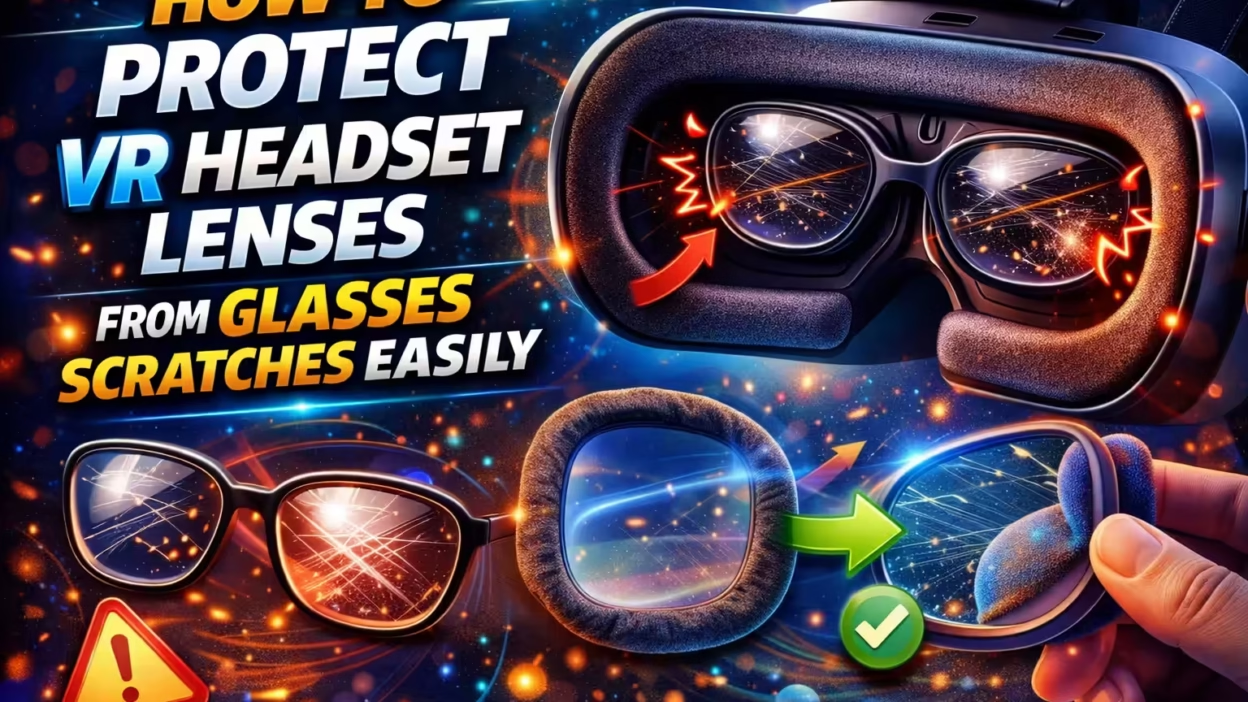
Using a VR headset is an amazing experience. Games and virtual worlds feel real, and the visuals are sharp and immersive. But for many people who wear glasses, the excitement can quickly turn to worry. Scratches on VR headset lenses are more than just annoying—they can ruin your view and lower your device’s value.
Even a tiny scratch can create blurry spots or strange reflections that distract you from the virtual world.
If you use glasses with your VR headset, protecting the lenses becomes even more important. Glasses can easily rub against the VR lenses, especially when adjusting the headset or during intense movement. The good news is, with the right strategies, you can keep both your glasses and your VR lenses safe and scratch-free.
This article will guide you through everything you need to know about protecting VR headset lenses from glasses scratches. You’ll learn why scratches happen, what materials are most at risk, and the best steps and tools to prevent damage. We’ll also look at practical solutions, real examples, and what to do if a scratch does occur. By the end, you’ll have the confidence to enjoy your VR experience without worrying about lens scratches.
Why Scratches Happen On Vr Headset Lenses
Before you can prevent scratches, it helps to understand what causes them. Most VR lenses are made from acrylic or polycarbonate plastic, not glass. These materials are chosen for their light weight and clarity, but they are more vulnerable to scratches than glass.

When you wear glasses inside your headset, the hard edges or frames of your glasses can rub or press against the VR lenses. Even the smallest movement can create friction—especially if you put the headset on or take it off quickly.
Over time, this repeated contact can leave permanent marks.
Other factors can make scratches more likely:
- Dust or grit: Small particles on your glasses or the headset can act like sandpaper.
- Improper cleaning: Wiping lenses with a rough cloth can create micro-scratches.
- Tight fit: Some headsets have limited space, increasing the chance of contact.
Understanding these risks is the first step to protecting your investment.
How Glasses Cause Scratches On Vr Headset Lenses
Glasses are made from hard materials. The frames, nose pads, and even the lens edges can all create scratches if they touch the VR lenses. Here’s what happens:

- Direct contact: If your glasses sit too close to the VR lenses, any movement can cause the two surfaces to touch.
- Shifting during use: Fast movements in games or adjusting the headset can shift glasses inside the headset.
- Pressure points: If the headset is tight, your glasses may be pressed firmly against the VR lenses, increasing the risk.
- Particles trapped: Dust or debris on glasses or lenses can get trapped and dragged across the surface.
Many VR users don’t realize scratches are forming until it’s too late. Once a scratch appears, it cannot be removed easily. Prevention is key.
How Much Damage Can Scratches Cause?
A single scratch might not seem like a big deal, but it can have a major impact on your VR experience. Scratches cause light scattering, which means bright points or blurry spots appear in your field of view. In some cases, scratches can create ghosting effects or double images.

Data from VR user forums and product support sites shows that:
- Over 40% of users who wear glasses report at least minor scratches after one year of use.
- Deep scratches can lower the resale value of a headset by 15–30%.
- Many manufacturers do not cover scratches under warranty.
A few scratches can quickly make a $500 headset feel old and worn out.
Essential Steps To Protect Vr Headset Lenses From Glasses Scratches
Protecting your VR headset lenses is not difficult, but it does require a little planning and care. Here are the most effective steps you can take.

1. Use A Lens Spacer Or Glasses Adapter
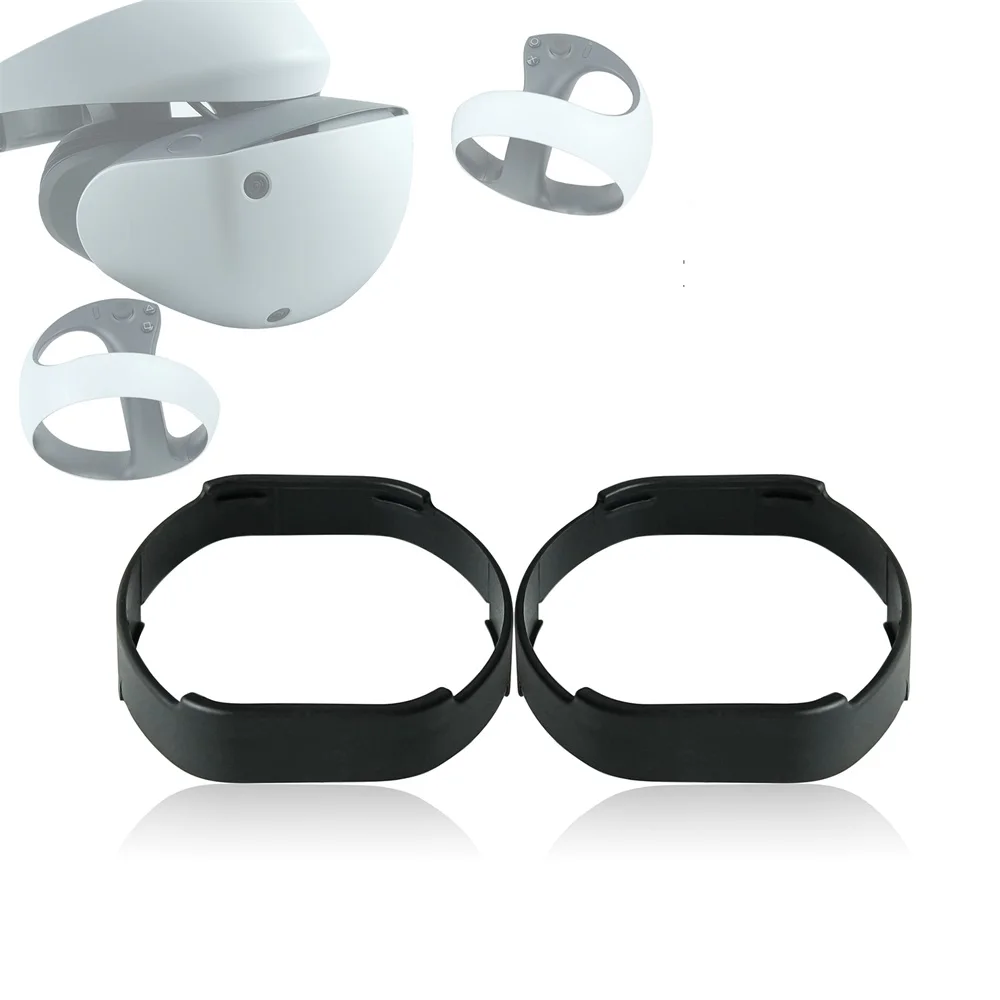
Many VR headsets, like the Oculus Quest 2 or Valve Index, include a lens spacer in the box. This thin plastic frame increases the distance between the VR lenses and your glasses.
- How it works: The spacer snaps into the headset, creating a gap that prevents your glasses from touching the lenses.
- Benefits: Simple, fast, and designed by the manufacturer.
- Limitations: Not all headsets include a spacer, and some users with large glasses may still have issues.
If your headset does not include a spacer, you can often buy third-party adapters designed for your model.
2. Install A Protective Lens Cover
A lens cover is a thin, transparent film or shield that sticks to your VR lenses. These are similar to screen protectors for phones.
- How it works: The cover absorbs scratches and can be replaced if damaged.
- Benefits: Easy to install, inexpensive, and does not affect image quality if applied correctly.
- Limitations: Must be kept clean; poor-quality covers may cause glare or distortion.
Lens covers are a smart investment for anyone who shares their headset or uses it with glasses.
3. Adjust The Headset Fit Properly
A poorly fitted headset increases the risk of scratches. If the headset presses your glasses tightly against the lenses, even a small movement can cause damage.
Tips for proper fit:
- Adjust the head straps so the headset sits comfortably on your face.
- Check the lens distance to ensure your glasses are not pressed against the VR lenses.
- Use the headset’s adjustment settings (if available) to move the lenses closer or farther from your eyes.
A good fit not only protects your lenses but also improves comfort and image clarity.
4. Clean Lenses And Glasses Before Every Use
Dust and dirt are common causes of scratches. Even small particles can scratch plastic VR lenses if pressed between your glasses and the headset.
Best cleaning practices:
- Use a microfiber cloth to wipe both your glasses and the VR lenses.
- Avoid paper towels or shirts, which can contain rough fibers.
- Clean in a bright area so you can see any remaining dust.
A quick cleaning before each session can prevent most accidental scratches.
5. Remove Glasses When Possible
Some people can use their VR headset without glasses, especially if their vision is only slightly impaired. If you can go without glasses, the risk of scratching the lenses drops to almost zero.
Options include:
- Contact lenses: Safe and convenient for VR use.
- Prescription lens inserts: Custom-made lenses that snap into the headset, replacing your glasses.
Many users find that prescription inserts are the most comfortable long-term solution.
6. Store Your Headset Safely
How you store your headset matters. Placing it lens-down or in a cluttered space increases the risk of accidental scratches.
Safe storage tips:
- Use a lens cover or case when not in use.
- Keep the headset on a flat surface with the lenses facing up.
- Avoid leaving the headset in direct sunlight; sunlight can damage lenses and make scratches more visible.
Good storage habits extend the life of your VR device.
7. Choose Glasses With Slim Frames
Large or thick-framed glasses are more likely to touch the VR lenses. Consider using a pair of glasses with slim frames or low-profile lenses for VR sessions.
Benefits of slim frames:
- Reduced risk of contact with VR lenses.
- More comfortable fit inside the headset.
- Less weight pressing against your nose and face.
If you don’t have slim glasses, you may want to get a second pair just for VR use.
8. Use Silicone Or Rubber Lens Guards
Some companies sell silicone or rubber lens guards. These soft rings fit around the VR lenses and create a small bumper that keeps your glasses from touching them.
- Advantages: Easy to install, reusable, and do not affect image quality.
- Disadvantages: Can make the viewing area slightly smaller for some users.
These guards are especially helpful for people with larger frames.
9. Be Careful When Putting On And Taking Off The Headset
Most scratches happen during the moments when you put on or remove your headset. This is when your glasses are most likely to move and touch the VR lenses.
To avoid accidents:
- Hold the headset open as wide as possible.
- Gently guide your glasses into the headset rather than forcing the headset onto your face.
- Remove the headset slowly, keeping it level to prevent your glasses from shifting.
With practice, you can develop a safe routine that protects your lenses every time.
10. Use Anti-scratch Coatings
Some lens protectors come with anti-scratch coatings. These coatings make the surface harder and more resistant to minor scratches.
- Good for high-use headsets or shared devices.
- Easy to clean and maintain.
- May cost a little more, but the extra protection is worth it for most users.
Check reviews and product details to ensure you’re getting a quality anti-scratch cover.

Comparing Protective Solutions For Vr Headset Lenses
Let’s look at how the main protective methods compare in terms of cost, effectiveness, and ease of use.
| Solution | Protection Level | Cost | Ease of Use |
|---|---|---|---|
| Lens Spacer | High | Low | Very Easy |
| Protective Lens Cover | Medium-High | Low-Medium | Easy |
| Prescription Inserts | Very High | High | Medium |
| Silicone/Rubber Guard | Medium | Low | Easy |
Each solution has strengths and weaknesses. For most users, combining a lens spacer and a lens cover offers great protection at a reasonable price.
Real-world Examples And Success Stories
Many VR users have found simple changes made a big difference. For example, Ana, a Quest 2 owner, noticed her lenses were always getting smudged. After installing a lens spacer and using a lens cover, she reported zero scratches after six months of daily use.
Another user, James, switched to prescription lens inserts. He found the VR headset much more comfortable and has not seen a single scratch since making the change. These stories show that small investments and smart habits can protect your device for years.
What To Do If Your Vr Lenses Get Scratched
Even with the best precautions, accidents can happen. If you notice a scratch:
- Stop using the headset until you inspect the damage.
- Clean the lenses gently with a microfiber cloth to remove any dust.
- Assess the scratch: If it’s minor, you may not notice it during use. If it’s deep, it could affect your view.
- Avoid trying to polish the lens: Most VR lenses have a special coating. Polishing can remove this coating and make things worse.
- Contact the manufacturer: Some companies offer replacement parts or repairs for a fee.
If the scratch is severe and affects your experience, replacement lenses or prescription inserts may be the best solution.
How To Choose The Best Protection For Your Vr Headset
Different users have different needs. Here’s what to consider:
- Budget: Basic lens covers and spacers are affordable. Prescription inserts cost more but offer the best long-term comfort and protection.
- Frequency of use: Heavy users or people who share their headset should invest more in protection.
- Glasses size and shape: Large frames may require both a spacer and lens covers.
- Headset model: Check for accessories designed for your headset.
For most people, starting with a lens spacer and protective cover is enough. If you use your headset daily or want the clearest view, prescription inserts are worth considering.
Common Mistakes To Avoid
Even experienced users sometimes make simple mistakes that lead to scratches:
- Forgetting to clean lenses: Even one session with dirty lenses can cause a scratch.
- Using the wrong cloth: Paper towels or your shirt can scratch soft plastic.
- Not adjusting the headset: If the fit is off, glasses are more likely to touch the lenses.
- Ignoring included accessories: Many users don’t realize a lens spacer is included in the box.
Learning from these mistakes can save you from expensive repairs later.
Comparing Glasses, Contact Lenses, And Prescription Inserts For Vr
Choosing between glasses, contact lenses, or VR prescription inserts depends on your preferences.
| Option | Comfort | Scratch Risk | Cost | Visual Quality |
|---|---|---|---|---|
| Glasses | Medium | High | Low | Good |
| Contact Lenses | High | None | Medium | Excellent |
| Prescription Inserts | High | None | High | Excellent |
Prescription inserts and contact lenses are the safest options for your VR headset lenses. Glasses are convenient but require extra caution.

Do Different Headsets Need Different Protection?
Not all VR headsets are the same. Some have more space for glasses; others have tighter fits. Here are a few popular models and their quirks:
- Oculus Quest 2: Includes a glasses spacer. Many third-party lens covers available.
- Valve Index: Roomy, but thick glasses may still touch lenses. Prescription inserts are popular.
- PlayStation VR: Large viewing area, but some glasses frames can still cause scratches.
- HP Reverb G2: Less space for glasses; lens covers strongly recommended.
Always check your headset’s manual for recommended accessories. Third-party solutions often work well but make sure they are compatible.
The Science Behind Lens Scratching
Plastic VR lenses are softer than glass. When a hard material like a glasses frame rubs against them, the force is concentrated in a small area. Even a small amount of pressure can create a scratch.
Studies on acrylic and polycarbonate (the most common VR lens materials) show that:
- Polycarbonate is about 250 times more impact resistant than glass but much easier to scratch.
- Acrylic is clearer but even softer.
This means that while your headset can survive a drop, it can’t survive a scrape from your glasses.
How To Clean Lenses Without Causing Scratches
Cleaning is important, but it must be done safely.
- Use a microfiber cloth: These are designed for delicate surfaces.
- Blow off dust first: Use a can of compressed air or gently blow on the lens to remove loose particles.
- Dampen the cloth slightly: If needed, use a lens-safe cleaning spray.
- Wipe gently in circles: Don’t press hard.
Never use window cleaner, alcohol, or other harsh chemicals—they can damage coatings and make the lens more prone to scratches.
How To Tell If Your Lenses Are Scratched
Sometimes, it’s hard to tell if you have a scratch or just a smudge. Here’s how to check:
- Remove the headset and inspect the lens under bright light.
- Rotate the lens and look for lines or marks that don’t wipe away.
- Check while using the headset: Scratches usually appear as bright lines, blurry spots, or ghosting when looking at bright objects.
If you’re not sure, try cleaning the lens first. If the mark doesn’t go away, it’s probably a scratch.
Diy Solutions For Vr Lens Protection
If you’re on a budget, there are a few DIY tricks you can try:
- Cut a thin ring from soft foam or felt and place it around the VR lens to act as a bumper.
- Use a clean phone screen protector (cut to shape) as a temporary lens cover.
- Store your headset in a soft bag when not in use.
These solutions are not as good as commercial products but can work in a pinch.
The Role Of Good Habits In Long-term Lens Protection
Buying accessories is only half the battle. Good habits are what really keep your VR headset safe.
- Always clean before use.
- Double-check the fit every time you put the headset on.
- Teach others who use your headset about proper care.
In many families, children or guests are the ones who accidentally scratch lenses. Spending a few minutes on instructions can prevent damage.
Vr Headset Lens Protection: Myths Vs. Facts
There are many myths about VR lens care. Let’s clear up a few:
- Myth: All lens scratches can be polished out.
Fact: Most cannot. Polishing can remove the coating and make things worse.
- Myth: Glasses won’t scratch the lens if you’re careful.
Fact: Even careful use can result in scratches over time.
- Myth: Only hard objects cause scratches.
Fact: Dust, sand, or even rough cloth can scratch soft plastic lenses.
The best approach is to prevent scratches before they start.
Case Study: How One User Saved His Headset
Mark, a VR enthusiast, had just bought a new headset. On his first day, he noticed a small scratch after using it with his glasses. Frustrated, he bought a lens cover and a glasses spacer. After one year, his headset lenses are still in perfect condition. Mark’s story shows that early action and the right accessories can save you hundreds of dollars in repairs or replacement costs.
Where To Find Reliable Accessories
When shopping for lens protectors, spacers, or inserts, buy from reputable sources. Look for:
- Official accessories from the headset manufacturer.
- Well-known third-party brands with good reviews.
- Recommendations from VR user forums and tech review sites.
For more details on VR lens materials and protection, see the Wikipedia entry on virtual reality headsets.
Frequently Asked Questions
What Is The Best Way To Protect Vr Lenses If I Wear Glasses?
The best way is to use a lens spacer and a protective lens cover. These prevent direct contact and absorb small scratches. Prescription inserts are also a great option if you want the most comfort and protection.
Can I Use My Regular Cleaning Cloth On Vr Lenses?
No. Only use a microfiber cloth designed for lenses. Other materials, like paper towels or your shirt, can scratch the lens.
Are Prescription Lens Inserts Worth The Cost?
For frequent users, prescription inserts are often the best long-term solution. They remove the need for glasses inside the headset and lower the risk of scratches to almost zero.
Do Scratches Affect Vr Performance?
Yes. Scratches scatter light, causing blurry spots, ghosting, or glare. This can ruin your VR experience, especially in bright scenes.
Can I Fix A Scratch On My Vr Headset Lens?
Most scratches cannot be fixed. Trying to polish or buff the lens can damage it further. The safest option is to replace the lens or use prescription inserts to cover the damage.
Enjoying VR with glasses should not mean worrying about scratches. With the right accessories and habits, you can keep your headset lenses clear and sharp for years. Protect your investment, follow these tips, and focus on the virtual adventures ahead.


