
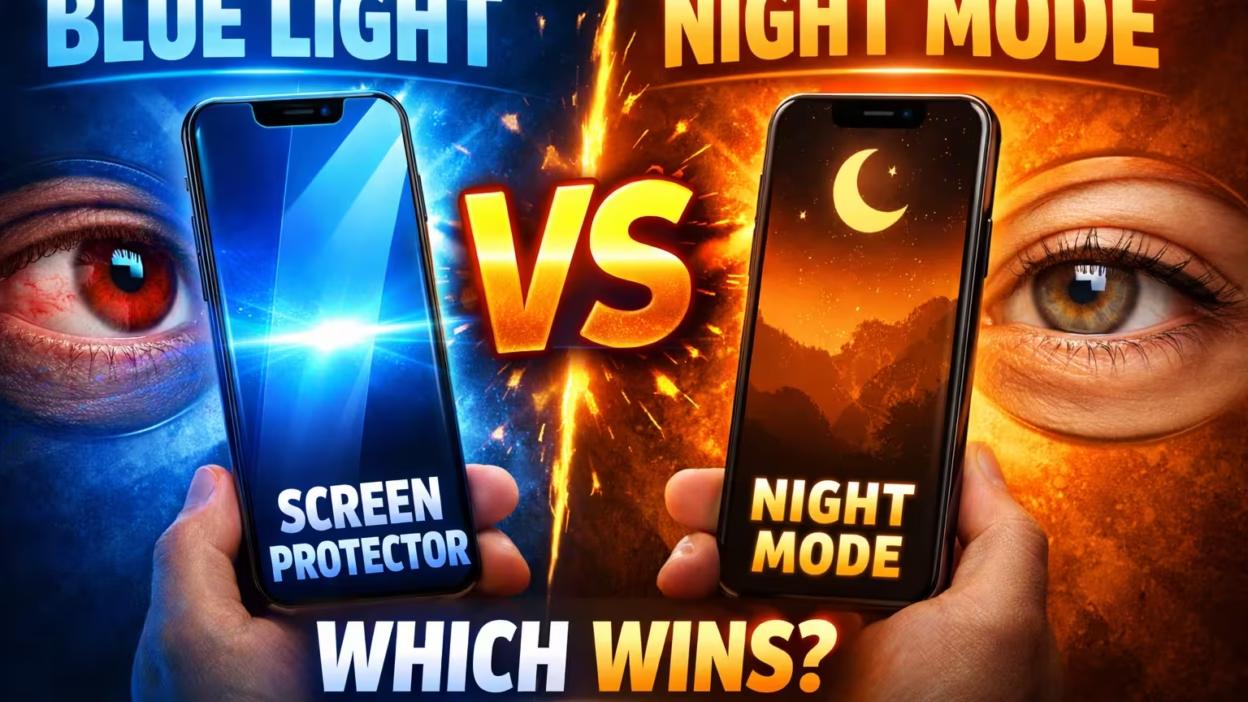
Staring at screens is a part of life for most people today. Whether you’re working, studying, or relaxing, your eyes spend hours each day looking at a smartphone, laptop, or tablet. Many people worry about blue light from these screens. They hear that too much blue light can cause eye strain, headaches, or even trouble sleeping. To fight these problems, two popular solutions appear: blue light screen protectors and night mode settings on devices. But which one is better? Do you need both? Or are they just marketing tricks? This article gives you a deep, clear comparison so you can decide what’s best for your eyes and your health.
What Is Blue Light?
Before comparing protectors and night mode, it’s important to understand what blue light is. Blue light is a type of visible light with a short wavelength and high energy. It’s everywhere—sunlight is the biggest source. But digital screens (phones, computers, TVs) also give off blue light, just in smaller amounts.
Some blue light is good. It can boost alertness, help memory, and improve your mood. The problem comes when you get too much, especially at night. Too much blue light can make it harder to fall asleep and may lead to digital eye strain (sometimes called computer vision syndrome).
Main Effects Of Blue Light
- Disrupts sleep: Blue light can block the production of melatonin, the hormone that helps you sleep.
- Eye discomfort: It may cause dry eyes, blurry vision, or headaches after long screen use.
- Possible long-term risks: Some studies suggest long-term exposure could damage eye cells, but this is still debated.
How Does A Blue Light Screen Protector Work?
A blue light screen protector is a thin, often clear, film that you stick on your device’s screen. It’s designed to filter out a portion of the blue light before it reaches your eyes.
How It Filters Blue Light
Most protectors use special materials that absorb or reflect blue light waves. When you look at your screen, some of the blue light is blocked or changed to a less harmful color. These protectors can block between 30% and 60% of blue light, depending on their quality.
Types Of Blue Light Screen Protectors
- Tempered glass: Adds drop protection as well as blue light filtering.
- Plastic film: Thin, flexible, and easy to replace.
- Privacy filters: Block blue light and also make it hard for others to see your screen.
Advantages
- Works all the time, no matter what app you use.
- No need to change settings on your device.
- Can also protect your screen from scratches.
Disadvantages
- Cost: You need to buy one for every device.
- Can reduce screen brightness or change colors.
- May need careful installation to avoid bubbles or dust.
What Is Night Mode?
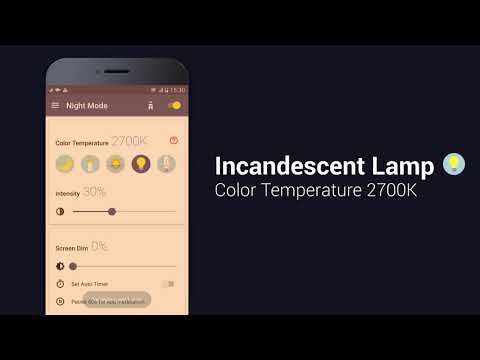
Night mode (also called night shift, blue light filter, or dark mode) is a setting on most devices. It changes the color temperature of your screen. Instead of bright blue-white light, your screen looks warmer, with more yellow or orange tones.
How Night Mode Works
When you turn on night mode, your device’s software tells the screen to reduce the amount of blue light it emits. It does this by shifting the colors away from blue and towards the red/orange side of the spectrum. This is usually automatic at sunset, but you can set it manually.
Main Features
- Built into most modern phones, tablets, and computers.
- Free to use—no extra product needed.
- Can be scheduled to turn on and off at certain times.
Advantages
- Easy to activate or adjust.
- Doesn’t cost anything.
- Works on most newer devices.
Disadvantages
- Changes the look of colors (sometimes annoying for designers or artists).
- Only works on the device’s software, not on external monitors or apps that don’t support it.
- No extra physical protection for your screen.
Comparing Blue Light Screen Protectors And Night Mode
Now, let’s compare these two solutions directly to see how they stack up. This comparison covers effectiveness, user experience, cost, and more.
| Feature | Blue Light Screen Protector | Night Mode |
|---|---|---|
| How it works | Physical filter blocks blue light from screen | Software changes screen colors to reduce blue light |
| Cost | Extra purchase needed | Free, built-in |
| Color accuracy | Usually small changes, but some yellow tint possible | Strong color shift, can look orange/yellow |
| Device protection | Protects from scratches, drops (if tempered glass) | No physical protection |
| Ease of use | Install once, always on | Easy to turn on/off, can schedule |
| Coverage | Works on all content, even external apps and videos | May not work in all apps or on all screens |
| Effectiveness | Blocks 30–60% blue light (varies by product) | Reduces blue light, up to 80%, but color shift can be intense |
Effectiveness For Reducing Eye Strain
What Science Says
Several studies show that reducing blue light can help with digital eye strain. People who use blue light filters or night mode often report less eye discomfort and fewer headaches. However, eye strain is also caused by other factors, like staring at one spot for too long, not blinking enough, or poor lighting.
A study published in 2020 found that blue light filters (like screen protectors) can reduce symptoms of eye fatigue by about 20%. Night mode settings can have a similar effect, but some users find the color changes distracting.
Real-world Use
- Screen protectors: Good for people who need true color (designers, photographers) but still want some blue light reduction.
- Night mode: Best for people working at night, or those who want a strong effect and don’t mind a color shift.
Impact On Sleep
Blue light can delay your natural sleep cycle. This is why experts suggest avoiding screens for at least one hour before bed. Night mode and blue light protectors both claim to help with this.
Which Is Better For Sleep?
Night mode shifts your screen colors to the warm end of the spectrum, blocking more blue light than most physical filters. Studies suggest that using night mode in the evening can help you fall asleep faster and get better rest.
Blue light screen protectors help too, but they usually block less blue light than night mode. If your main worry is sleep, night mode is likely the stronger option. Still, the best way to protect your sleep is to put your device away before bed.
User Experience: Visual Comfort And Usability
How do these solutions feel in daily use? Let’s look at some practical examples.
Color Accuracy
- Screen protectors change the display a little. Some users notice a slight yellow or gray tint, but most protectors today are designed to be clear.
- Night mode causes stronger color shifts. Whites look yellow or orange. This can be uncomfortable for people who need accurate colors, such as photo editors or graphic designers.
Reading And Media
- Screen protectors are always on, so you can use your device as normal.
- Night mode is better for reading at night, but it can make photos and videos look strange.
Gaming
Gamers often prefer true color and fast response times. Screen protectors are less likely to cause lag or color problems. Night mode may make games look unnatural, especially for games with dark scenes.
Installation And Setup
- Screen protectors need careful installation. You must clean the screen and avoid bubbles.
- Night mode is simple: Just turn it on in your device settings.
Cost And Long-term Value
Blue Light Screen Protectors
These can cost anywhere from $10 to $50 depending on the device and quality. Tempered glass models are more expensive but also add drop protection.
You’ll need to buy a separate protector for each device. Over time, this can add up if you have a phone, tablet, and computer.
Night Mode
Completely free. It’s built into Windows, macOS, iOS, Android, and many other systems. No extra purchase is needed.
Which Is More Cost-effective?
If you want to save money, night mode is the clear choice. But if you want both blue light filtering and physical screen protection, a good screen protector may be a smart investment.
Device Compatibility
Not all devices are the same. Here’s how both solutions work with different gadgets:
Smartphones And Tablets
- Most new devices have night mode built in.
- Screen protectors are easy to find for popular models.
Laptops And Desktops
- Windows: Night Light is built in.
- Mac: Night Shift is standard.
- For external monitors, night mode only works if the software supports it. Screen protectors can be cut to fit, but are less common.
Tvs
- Few TVs have night mode settings.
- Blue light screen protectors are available for some TV sizes.
E-readers
- Many e-readers (like Kindle) have a built-in warm light setting.
- Screen protectors are less common but can be used.
Durability And Maintenance
Blue Light Screen Protectors
These can last for years if installed correctly. They also protect against scratches and fingerprints. However, they can peel or bubble over time and may need replacement.
Cleaning is simple: just wipe with a soft cloth. If scratched or cracked, you’ll need a new one.
Night Mode
No maintenance required. It’s a software feature that just works.
Impact On Productivity
Some people wonder if blue light solutions can boost productivity.
- Night mode can make late-night work easier on the eyes, but the color shift may cause distractions for tasks that need accurate colors.
- Screen protectors allow you to work longer with less eye strain, without changing how things look.
No solution will fix bad work habits. Remember to take regular breaks, look away from your screen, and keep your workspace well-lit.
Aesthetics And Style
Some users care how their device looks.
- Screen protectors are nearly invisible, but low-quality ones may add glare or smudges.
- Night mode changes the look of everything on the screen, which some users dislike.
If you want your device to look as close to “normal” as possible, a high-quality screen protector is the better choice.
Health And Safety Concerns
Many people hear that blue light is dangerous and worry about long-term eye health. However, the science is still developing.
What The Experts Say
The American Academy of Ophthalmology (AAO) does not currently recommend special blue light filters for most people. They say that digital eye strain is caused more by how you use your device than by blue light itself. Still, reducing blue light at night can help with sleep.
Children and teens may be more sensitive to blue light. For young users, either solution can be helpful, but time away from screens is still the best advice.
When Should You Use Both?
Some people use both a blue light screen protector and night mode together. This is usually not harmful, but it may be unnecessary for most users.
Situations where both might help:
- You use your device for many hours each day.
- You are very sensitive to eye strain or blue light.
- You want both blue light reduction and physical screen protection.

Common Mistakes When Choosing
- Buying a cheap screen protector: Low-cost options may not block much blue light or may add glare.
- Using night mode all day: Some people find that using warm colors during daylight hours makes them sleepy.
- Ignoring other causes of eye strain: Bad posture, not blinking, or poor lighting can cause more problems than blue light.
- Forgetting about device compatibility: Not all devices support night mode, and not all screens have protectors available.
- Expecting instant results: It can take a few days to notice less eye strain.
What Matters Most When Choosing
To find the best solution for you, think about:
- When you use your device: Night mode is best for evening use; screen protectors work all the time.
- What you do: If you need true color, a screen protector is better.
- Your budget: Night mode is free; protectors cost money.
- Physical protection: Only a protector will help against drops and scratches.
How To Set Up Night Mode
Every device has a slightly different way to turn on night mode. Here’s a quick guide for the most popular systems.
Windows
- Go to Settings > System > Display.
- Find Night Light and turn it on.
- Adjust the schedule or strength as needed.
Mac
- Open System Preferences > Displays.
- Click on Night Shift.
- Set your schedule and color temperature.
Iphone/ipad
- Open Settings > Display & Brightness > Night Shift.
- Set the time and color warmth.
Android
- Go to Settings > Display > Night Light or Blue Light Filter.
- Turn it on and set a schedule.
How To Choose A Good Blue Light Screen Protector
If you decide to buy a screen protector, look for these features:
- Certified blue light blocking: Check how much blue light it blocks (look for 30% or higher).
- Scratch resistance: Tempered glass is tougher but more expensive.
- Easy installation: Some kits include alignment tools.
- No strong color change: Good protectors are nearly clear.
Ask for reviews or check for brands with a good reputation.
Real-world Examples
Example 1: Office Worker
Sarah works at a computer for 8 hours a day. She tried night mode but did not like the orange color while editing documents. She switched to a blue light screen protector and found it more comfortable for her eyes, with no big color change.
Example 2: Student
Alex studies late at night. Night mode helped him fall asleep faster, but he sometimes missed seeing the true colors in online videos. He decided to use night mode only after 8 p. m.
Example 3: Graphic Designer
Priya needs accurate colors for her work. She uses a high-quality screen protector that blocks 40% blue light, so her designs look right and her eyes feel better at the end of the day.
Data: What Users Prefer
A 2022 survey found:
- 57% of users prefer night mode for late-night reading.
- 32% use blue light screen protectors on their main devices.
- 11% use both.
Most people said the biggest reason for using either solution was to reduce eye fatigue, followed by improving sleep.
Practical Tips For Eye Health
No filter or setting can replace good habits. Here are some tips:
- Follow the 20-20-20 rule: Every 20 minutes, look at something 20 feet away for 20 seconds.
- Keep screens clean: A dirty screen can make your eyes work harder.
- Blink often: Staring can dry your eyes.
- Adjust brightness: Don’t set your screen brighter than needed.
- Create good lighting: Avoid glare and use soft room light.
Table: Quick Decision Guide
If you’re still unsure, here’s a fast way to decide.
| Need | Best Choice | Why |
|---|---|---|
| Sleep better at night | Night mode | Blocks more blue light in the evening |
| True color for work | Screen protector | Minimal color shift |
| Physical screen protection | Screen protector | Guards against scratches/drops |
| Low or no cost | Night mode | Free and built-in |
| Easy to set up | Night mode | One tap in settings |
| All device types | Screen protector | Works on any screen |
The Bottom Line: Which Is Better?
If you’re looking for better sleep and work mostly at night, night mode is likely the best first step. It’s free, easy, and blocks the most blue light. But if you care about color accuracy, want protection for your device, or work in bright rooms, a blue light screen protector is a smart upgrade.
For most people, starting with night mode is enough. If you notice your eyes still feel tired, or you want extra protection, add a good quality screen protector. And remember, nothing replaces taking breaks and using your device wisely.
If you want to know more about blue light and sleep, check out this resource from the Sleep Foundation.
Frequently Asked Questions
What Is The Main Difference Between A Blue Light Screen Protector And Night Mode?
A blue light screen protector is a physical film you place on your screen to block some blue light, while night mode is a software setting that changes your screen’s colors to reduce blue light. Screen protectors also protect against scratches; night mode does not.
Do Blue Light Screen Protectors Change How My Screen Looks?
Most high-quality protectors are almost clear, but some may add a slight yellow or gray tint. Low-quality protectors can reduce brightness or add glare, so choose carefully.
Can I Use Both A Screen Protector And Night Mode Together?
Yes, you can use both at the same time. This may help if you are very sensitive to blue light or want both eye comfort and screen protection, but for most people, one solution is enough.
Will Either Solution Fix All My Eye Strain Problems?
No. Eye strain can be caused by many things, such as not taking breaks, bad lighting, or dry eyes. Blue light reduction helps, but healthy screen habits are most important.
Is Blue Light Really Dangerous For My Eyes?
Most experts agree that blue light from screens is not likely to damage your eyes, but it can make them feel tired and disrupt sleep. Reducing blue light is helpful, especially at night, but don’t worry too much about long-term harm.
In the end, the best solution is the one that fits your device, your needs, and your comfort. Try both and see what works for you.


