
Many people love the bright colors and deep blacks of OLED screens. Phones, tablets, and TVs with OLED displays are now common. But with this new technology, users have new questions. One common worry is: Does a screen protector ruin OLED display quality? If you have spent good money on a device with a beautiful OLED, you want to keep it safe but also see the best picture possible. Some people say protectors can make the screen look dull or less sharp. Others claim a good protector makes no difference at all.
To find the real answer, we need to look at how OLED works, what screen protectors do, and what happens when you combine them. This article gives you a full, detailed explanation. You will learn about the science behind OLED displays, the types of protectors, possible problems, and how to choose the best option for your device.
By the end, you will know exactly what effect, if any, a screen protector has on OLED display quality.
How OLED Displays Work
OLED stands for Organic Light Emitting Diode. Unlike older LCD screens, each pixel in an OLED display creates its own light. This allows for perfect blacks because pixels can turn off completely, and for very bright colors because each pixel is controlled on its own.
Benefits Of OLED Technology
- Deeper blacks: Pixels turn off, so black areas are truly black.
- Better contrast: The difference between light and dark is much higher.
- Thinner screens: No need for a backlight, so OLED devices are slimmer.
- Faster refresh: OLED pixels react quickly, which is great for gaming and video.
- Wide viewing angles: Colors look the same from the sides.
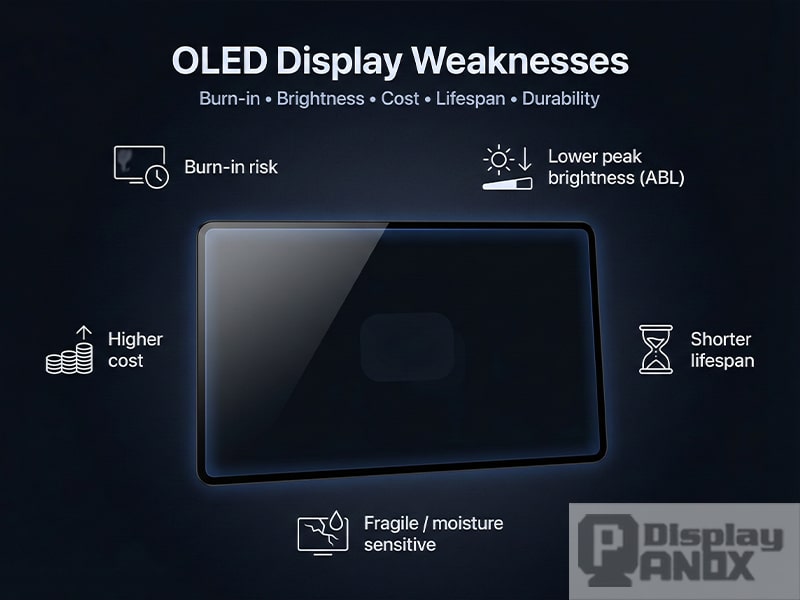
These benefits are why people prefer OLED screens for their phones and TVs. But OLEDs also have downsides—mainly, they are more sensitive to damage and can suffer from burn-in if static images stay on the screen too long.
What Is A Screen Protector?
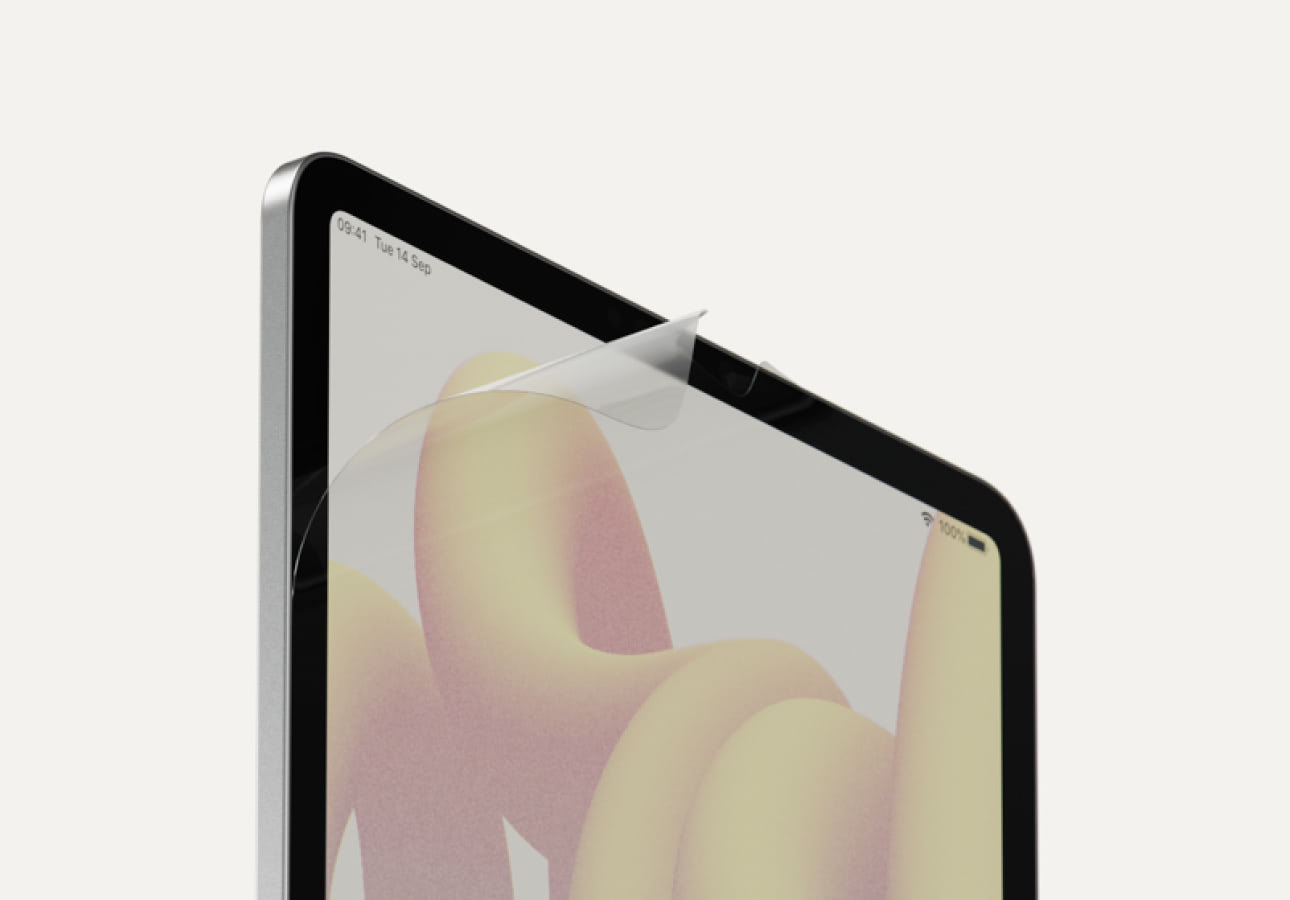
A screen protector is a thin layer, usually of glass or plastic, placed on top of a device’s screen. Its main job is to prevent scratches, reduce cracks from drops, and sometimes stop fingerprints or glare.
Common Types Of Screen Protectors
- Tempered glass: Very popular. Feels like the real screen, resists scratches, and can absorb shocks from drops.
- Plastic film (PET): Thin, flexible, and cheaper, but scratches more easily.
- TPU (thermoplastic polyurethane): Softer, can self-heal small scratches, but may feel rubbery.
- Privacy protectors: Make it hard for others to see your screen from the side.
Each type affects the screen in a slightly different way. Some people worry that adding any extra layer will reduce the quality of their OLED display.
Why People Worry: Common Concerns
There are several reasons why people think a screen protector could ruin OLED display quality:
- Loss of sharpness: A new layer might blur the image.
- Reduced brightness: Less light might reach your eyes.
- Weaker colors: Colors may look dull or washed out.
- More reflections: Extra surfaces can reflect light and cause glare.
- Touch problems: Some protectors may reduce touch sensitivity.
But are these fears really true, or are they just myths? Let’s look at each concern with real data and examples.
Does A Screen Protector Lower Oled Clarity?
The first thing people notice about OLED is how clear and sharp it looks. Adding a screen protector might seem like placing a window in front of a painting. Does it make the picture less sharp?
What The Science Says
If you use a high-quality tempered glass protector, the effect on sharpness is almost zero. The glass is optically clear and made to fit close to the screen. Most people can’t tell the difference once it’s on.
With cheaper plastic protectors, the effect can be more noticeable. Some PET films may have a soft haze or tiny lines, especially after scratches. This can blur small text or details. TPU protectors sometimes show a slight “orange peel” texture, which can reduce clarity.
Non-obvious insight: The fit of the protector matters as much as the material. If there’s dust or air bubbles trapped under the protector, even the best glass will look worse. Clean installation is critical.
Real-world Example
A 2023 study by DisplayMate found that top-brand glass protectors reduce clarity by less than 1%—an amount invisible to most users. Cheap plastic films, however, can reduce clarity by up to 8%, especially after a few months of use.
Do Screen Protectors Reduce Oled Brightness?
OLED screens are famous for their bright, vibrant pictures. Some users say their screen looks dimmer after adding a protector.
Measuring Brightness Loss
Most glass protectors let about 92–95% of light through. That means you might lose 5–8% brightness. For most people, this change is too small to notice, especially since modern OLEDs are very bright.
Plastic protectors can be worse. Some block up to 10% of light, especially if they have anti-glare or privacy coatings. In bright sunlight, this can make the screen a bit harder to see.
Table: Light Transmission Of Screen Protector Types
| Protector Type | Light Transmission (%) | Effect on OLED Brightness |
|---|---|---|
| Tempered Glass | 92–95 | Very low |
| PET Plastic | 88–92 | Low–Medium |
| TPU Film | 90–93 | Low |
| Privacy Filter | 75–85 | High |
Non-obvious insight: Your eyes adjust quickly to small changes in brightness. Most people won’t notice unless they compare with and without the protector side by side.
Do Colors Look Worse With A Screen Protector?
OLEDs are loved for their rich colors. Some people worry that a protector will make colors look less vibrant.
How Color Quality Is Affected
High-quality glass is nearly colorless. It should not affect the way colors look. However, some cheap protectors may have a slight blue or yellow tint, especially if the glass is not “ultra-clear” or has poor coatings.
Plastic protectors are more likely to change the colors, sometimes making whites look slightly blue or yellow. Privacy or anti-glare coatings can also dull colors.
Example: Side-by-side Comparison
When two identical OLED phones are compared—one with a premium glass protector, one without—most users see no color difference. But when using a cheap PET film, about 30% of users report a slight color shift or loss of vibrancy, especially in bright reds and blues.
Does A Screen Protector Create More Glare Or Reflections?
Glare is the bright shine you see when light reflects off your screen. A protector adds another surface, so it can reflect more light.
Types Of Reflections
- Glossy protectors: These are shiny and can reflect indoor lights or sunlight.
- Matte protectors: These reduce glare but may make the screen look slightly foggy or “grainy.”
- Anti-reflective coatings: Some glass protectors have special coatings to cut down on glare, but these can wear off over time.
Table: Glare And Reflection Comparison
| Protector Finish | Glare Level | Image Quality Effect |
|---|---|---|
| Glossy Glass | High | None to slight |
| Matte/Anti-Glare | Low | Possible slight blur |
| Privacy Filter | Medium–High | Duller colors |
Practical tip: For most people, a glossy glass protector is fine indoors. If you use your device outside a lot, consider a matte protector—but understand you may lose a little sharpness.
Touch Sensitivity: Does A Protector Affect Oled Touchscreens?
OLED screens are usually very responsive. Some protectors, especially thick or cheap ones, can make the screen feel less sensitive.
What Affects Touch?
- Protector thickness: Thicker glass may slightly reduce sensitivity, but most modern devices adjust automatically.
- Material: TPU films can sometimes feel “sticky” or draggy.
- Adhesive: A protector with poor adhesive may leave small air gaps, which can make taps or swipes less accurate.
Example
Most top-brand glass protectors are 0. 3mm thick and do not cause problems with touch on iPhones, Samsung, or Google Pixel devices. Problems are more common with curved screens or protectors that do not stick well at the edges.
Non-obvious insight: Some phones let you increase touch sensitivity in the settings (often called “glove mode”). This can help if you notice any issues.
Long-term Effects: Screen Protectors And Oled Lifespan
Some users worry that a protector might trap heat or affect the screen over time.
Heat Buildup
A very thick protector or one with a poor fit could slightly increase the heat on the screen, but tests show this effect is tiny—less than 1°C difference in most cases.
Burn-in Protection
Ironically, a protector may help prevent burn-in by making people less likely to leave static images on the screen (since they worry more about their device). There is no evidence that a protector makes burn-in worse.
The Role Of Oleophobic And Anti-fingerprint Coatings
Most OLED screens come with an oleophobic coating, which resists oil and fingerprints. Some protectors also have this, but many cheap ones do not.
What Happens When You Add A Protector?
- High-quality glass protectors usually include an oleophobic layer. This keeps the screen smooth and clean.
- Cheaper protectors may not have this layer, so fingerprints stick more easily, and the screen feels sticky.
Important Detail
The original coating on your OLED screen can wear off over time, especially with heavy use. A protector can actually help keep the coating underneath fresh, since you touch the protector—not the screen itself.
Special Cases: Curved Oled Screens
Many modern phones (like Samsung Galaxy S and Note series) have curved edges. Fitting a protector to these screens is harder.
Problems With Curved Screens
- Many glass protectors do not stick well at the edges, causing air bubbles.
- Some only cover the flat part, leaving the edges unprotected.
- TPU films can fit better but may not feel as nice.
If you have a curved OLED, look for a protector made for your exact model. Read reviews to see how well it fits and if it stays on.
Myths And Misunderstandings
Let’s clear up some common myths about screen protectors and OLED displays:
- Myth: Any screen protector will ruin the display.
- Fact: High-quality glass protectors have almost no effect on picture quality.
- Myth: All protectors cause bubbles.
- Fact: Proper installation and clean hands prevent bubbles.
- Myth: You don’t need a protector because OLED is strong.
- Fact: OLED screens are actually softer than LCD, so they scratch more easily.
Real-world Tests And User Experiences
Many YouTubers and tech websites test phones with and without protectors. Their results show:
- With a quality glass protector, most people cannot tell if a phone has a protector unless they look closely.
- Cheap plastic films are more likely to reduce quality, especially after a few months.
- Most complaints about “worse quality” are due to bad installation (dust, bubbles, misalignment).
Experience-based tip: If you want the best experience, buy a protector from a trusted brand, install it carefully, and replace it if it gets scratched or dirty.
How To Choose The Best Screen Protector For Oled Devices
When picking a protector for your OLED device, consider these points:
- Material: Tempered glass is usually best for clarity and feel.
- Brand reputation: Choose protectors from known brands with good reviews.
- Fit: Make sure the protector is made for your exact device model.
- Coatings: Look for “oleophobic” or “anti-fingerprint” coatings.
- Thickness: Thinner protectors (0.2–0.3mm) usually feel better.
- Installation kit: Kits with alignment frames or dust stickers make a cleaner installation.
Table: What To Look For When Choosing A Protector
| Feature | Why It Matters |
|---|---|
| Material | Glass gives best clarity, plastic is cheaper but scratches more |
| Fit | Proper fit stops dust and bubbles, especially on curved screens |
| Oleophobic Coating | Helps resist fingerprints and keeps touch smooth |
| Brand/Reviews | Trusted brands are less likely to have quality issues |
| Installation Tools | Makes it easier to apply without dust or misalignment |
Pro tip: Always clean your screen well before installing any protector. Even a few dust specks can cause bubbles or reduce clarity.
When You Might Not Need A Screen Protector
Some people choose not to use a protector at all. This can be fine if:
- You keep your device in a case with a cover.
- You rarely put your device in pockets or bags with keys or coins.
- You don’t mind small scratches.
But remember: OLED screens are more likely to get scratched than older LCDs. Even a tiny scratch can be very visible on a bright, colorful screen.
Alternatives To Traditional Screen Protectors
If you dislike the feel or look of a protector, here are a few options:
- Nano liquid coatings: These are wiped onto the screen and add a thin, invisible protection. They won’t stop cracks but can resist fingerprints and small scratches.
- Case with raised edges: Some cases protect the screen by making sure it doesn’t touch surfaces when placed face-down.
- Screen insurance: If you’re worried about drops, some companies offer screen repair plans.
Environmental Impact: Are Screen Protectors Wasteful?
Millions of protectors are made and thrown away each year. If you want to reduce waste:
- Choose protectors that last a long time.
- Buy only what you need—no need for 5-pack bundles if you rarely change them.
- Some brands offer recycling programs for old protectors.
Expert Opinions And Research
Display experts agree that a good screen protector has almost no effect on OLED display quality. Poor results come from bad installation or low-quality materials.
A recent article by DisplayMate explains that modern glass protectors are designed to be “optically clear,” meaning they do not change the way light passes through. The biggest risk is from cheap, poorly made protectors.

Key Takeaways For Oled Owners
- High-quality glass protectors do not “ruin” display quality.
- Plastic films are more likely to reduce clarity and color.
- Proper installation is just as important as material choice.
- If you want the very best display and are careful, you may skip a protector, but most users are safer with one.
- Curved OLED screens are harder to protect—choose carefully.
Frequently Asked Questions
Does A Screen Protector Really Reduce Oled Display Quality?
Most high-quality glass protectors have almost no effect on OLED quality. Cheap plastic films can reduce clarity and color, especially after scratching. Proper installation is key for the best results.
Will Using A Screen Protector Cause More Screen Glare?
Glossy protectors can reflect light more, but many users do not notice a big difference indoors. Matte protectors reduce glare but may make the screen look a bit less sharp. Choose based on your environment.
Can A Screen Protector Affect Touch Sensitivity On Oled Screens?
Modern protectors are designed to keep touch sensitivity high. Some thick or poorly installed protectors may cause issues, but most phones adjust automatically. If you notice a problem, check for air gaps or increase touch sensitivity in your settings.
Do All Screen Protectors Fit Curved Oled Screens Well?
No. Curved screens are harder to cover. Many glass protectors only cover the flat part; TPU films may fit better but can feel different. Always buy a protector made for your exact model and read user reviews.
Is It Better To Go Without A Screen Protector For The Best Oled Experience?
If you want the absolute best image and are careful with your device, you can go without. But this increases the risk of scratches. For most people, a quality glass protector gives the best balance of protection and display quality.
A screen protector does not have to ruin your OLED display quality. With the right choice and proper care, you can protect your device without losing the beauty that makes OLED special. Take your time, pick carefully, and your screen can look great for years to come.


