
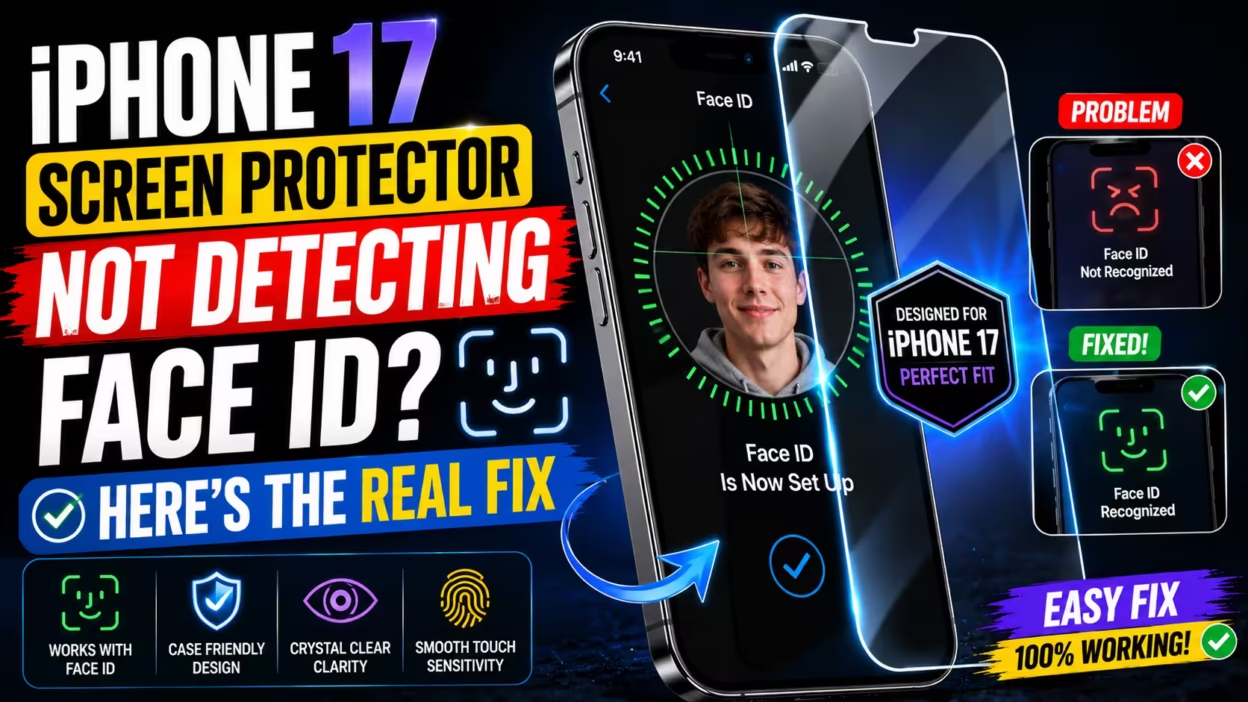
Keeping Your iPhone 17 Display Secure and Functional
Safeguarding your iPhone 17 screen requires a balance between durable material and precise hardware compatibility. While the device features advanced display technology, high-quality protection acts as a vital layer against scratches and cracks. Unlike generic, poorly fitted options, a premium iPhone 17 screen protector is engineered to maintain touch sensitivity and clarity without compromising the integrity of the device.
When choosing protection, sensor performance is just as important as impact resistance. The TrueDepth camera system is sensitive to physical obstructions, and Apple explicitly highlights how improperly aligned accessories can impede facial recognition. Because inferior protectors often feature inaccurate cutouts that hover over essential sensors, users may face erratic performance or unlock failures.
This guide aims to help you resolve common installation challenges and ensure your device remains fully operational. By selecting protectors that emphasize optical clarity and precision-cut sensor housing, such as those found on superguardz, you can secure your investment while keeping your technology functioning at peak performance.
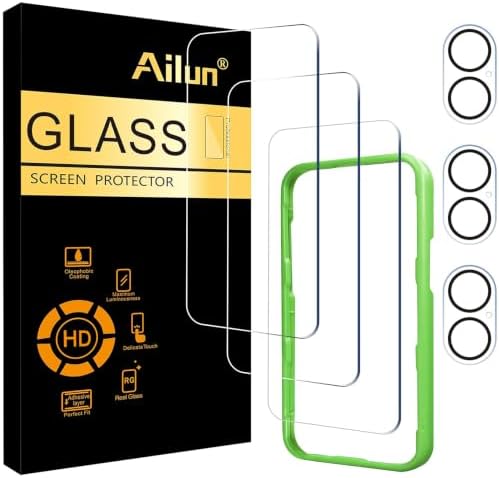
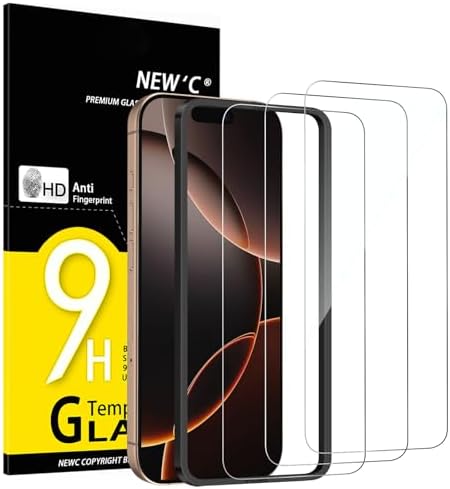


Why Screen Protection Is Essential for iPhone 17
Is it advisable to use a screen protector on your iPhone 17? Yes, using a high-quality screen protector is highly recommended to safeguard your iPhone 17 display against scratches, cracks, and daily wear and tear without compromising its sleek aesthetic or touch sensitivity. While modern devices feature incredibly durable glass, no display is completely immune to microscopic abrasions or chips that accumulate over time from regular use.
A premium iPhone 17 tempered glass screen protector serves as an essential, affordable sacrificial layer that absorbs impact and prevents long-term surface fatigue on the device’s Ceramic Shield 2.0 glass. Unlike generic alternatives that often collect dust or cause touch lag, these protectors are engineered to maintain native touch-response certification.
By applying a protector to your device, you ensure the underlying glass remains in pristine condition, preserving both its clarity and its resale value. Just as with the best screen protector for iPad Air M3, choosing the right material ensures you are truly protecting what matters most. While standard glass may eventually show signs of daily interaction, a dedicated screen guard maintains the original finish of your device for as long as you own it.
Understanding Face ID Compatibility and Sensor Obstruction
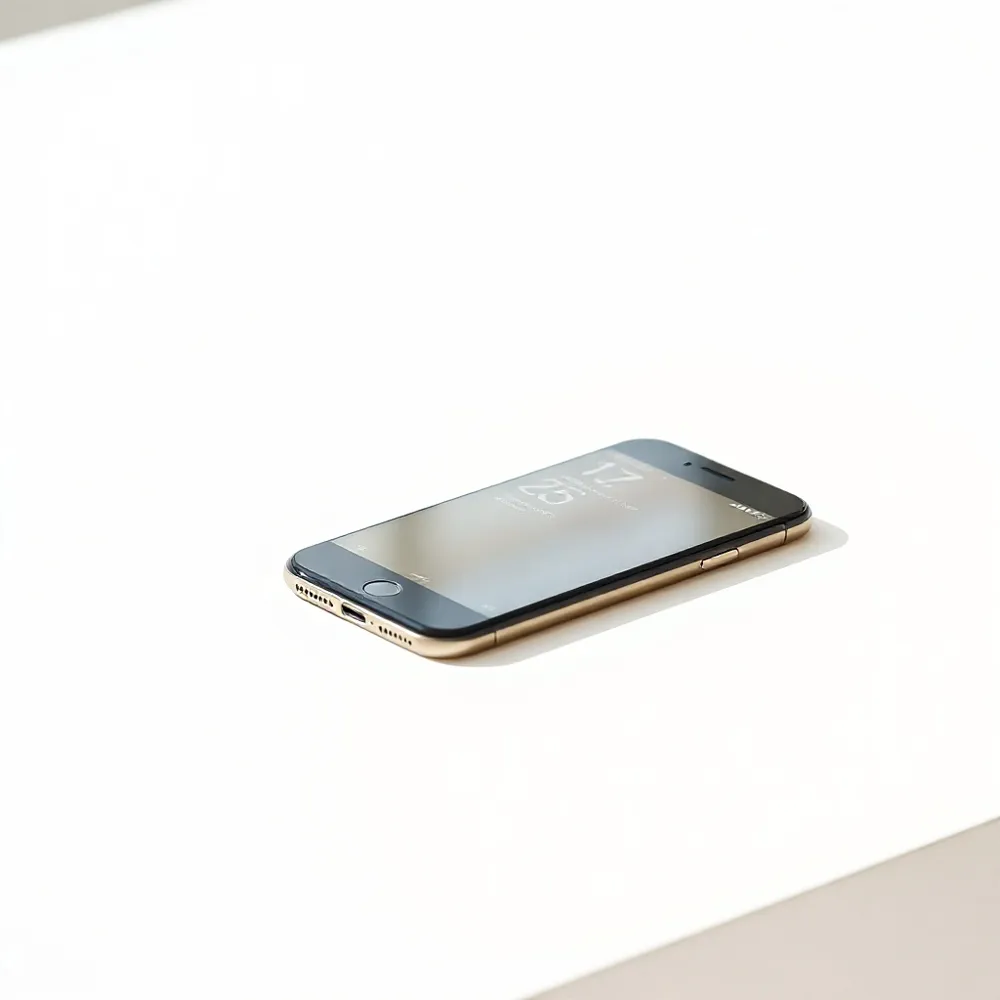
The iPhone 17 relies on the TrueDepth camera system to authenticate your identity through a complex array of infrared sensors, a flood illuminator, and a dot projector that maps your facial topology in 3D. Because this hardware must scan your face through the top portion of the glass, any physical obstruction or incorrect alignment can prevent the device from recognizing you correctly. Apple explicitly lists improperly placed screen protectors as a primary cause for Face ID failure, emphasizing that the sensors require a clear, unobstructed path to operate within their optimal 10 to 20 inch range.
When choosing an iPhone 17 screen protector, the design precision is just as important as the material. Premium options feature specific sensor-safe cutouts that leave the TrueDepth array completely exposed, ensuring that the infrared light used for depth mapping remains unscattered. In contrast, generic, low-cost alternatives often feature broad, non-specific coverage that can create haze or physical interference over the top sensor housing. By opting for a design that accounts for the specific sensor geometry of the new display, you can avoid the touch lag or erratic sensor behavior often reported with less specialized products.
Do screen protectors, including privacy filters, interfere with Face ID functionality?
When designed correctly, premium screen protectors will not interfere with Face ID functionality on your iPhone 17. Most high-quality tempered glass options are engineered to be thin and transparent enough to allow the TrueDepth camera sensors to function without obstruction. While privacy filters are effective at shielding your display, some lower-quality versions can occasionally impact sensor performance due to their unique tinting or thickness. To ensure seamless unlocking, always prioritize precision-cut protectors designed specifically for your iPhone 17 model, and keep the sensor area free from dust, debris, or misalignment during installation. If you encounter any issues, simply re-scanning your Face ID profile after the protector is applied can often resolve any minor recognition discrepancies.
Material composition plays a notable role in sensor performance. While clear tempered glass typically ranges from 0.2 mm to 0.5 mm in thickness and has virtually no impact on sensor depth mapping, other finishes require more caution. Matte-finish protectors or heavy privacy filters can sometimes scatter the infrared light required for facial recognition. If you want the added protection of anti-spy technology without risking functionality, look for Best Privacy Screen Protector for iPhone 17 Series which balances durable, multi-directional light blocking with optical-grade clarity designed to maintain sensor accuracy.
Best Practices for Applying Your iPhone 17 Screen Protector
Achieving a flawless installation on your iPhone 17 requires more than just a steady hand. Proper surface preparation is the foundation of a durable, bubble-free application. Begin by thoroughly cleaning the display with an alcohol wipe to remove natural oils, followed by a lint-free microfiber cloth. Any remaining microscopic debris often leads to air pockets that can interfere with touch sensitivity or sensor performance.
The hinge method is a highly effective technique for ensuring precise alignment on the micro-curved display of the iPhone 17. By using adhesive tape to create a temporary hinge along the side of the device, you can position your screen protector exactly where it belongs before committing to the adhesive layer. This allows for a smooth, controlled descent that minimizes the risk of misalignment compared to free-hand placement.
Generic kits often lack the precision required for newer devices, which is why SuperGuardZ offers solutions engineered with anti-halo adhesives and tailored cutouts to match the exact dimensions of your display. While competitors may offer basic multi-packs, these often result in uneven edges or trapped dust. Taking a moment to follow a guided installation process prevents common mistakes like off-center alignment or trapped air bubbles, ensuring that your screen protector remains a seamless, invisible layer of defense.
Troubleshooting Face ID After Installation
If you notice Face ID issues after applying an iPhone 17 screen protector, start by ensuring the TrueDepth sensor area is perfectly clean, as dust or trapped air bubbles can obstruct the camera’s view. According to Apple, a screen protector is a common physical obstruction that may prevent the system from functioning correctly.
Gently wipe the sensor area with a lint-free cloth to remove any smudges or debris that might interfere with infrared light. If the problem persists, perform a device restart to resolve any temporary software glitches that can occur during setup. While generic multi-packs often suffer from poor sensor-cutout precision, SuperGuardZ offers specialized screen protectors designed with exact sensor-safe cutouts to maintain full biometric compatibility.
Refining your facial recognition
For a more permanent fix, navigate to your Settings to reset Face ID or set up an alternate appearance to help the sensor better recognize you through the new layer of protection. Ensure your device is running the latest iOS version, as system updates frequently include performance improvements for sensor sensitivity and authentication speed.
| Troubleshooting Step | Recommended Action | Expected Outcome |
|---|---|---|
| Surface Check | Clean with cloth | Removes light smudges |
| Alignment Check | Verify cutouts | Clears sensor path |
| Software Reset | Reset Face ID | Refreshes facial map |
Deciding Between Full Coverage and Sensor Cutouts
Selecting an iPhone 17 screen protector often comes down to choosing between a seamless edge-to-edge design or one with precise cutouts around the sensor array. Full-coverage options provide the most comprehensive defense against daily hazards, shielding the entire front panel from scratches and impacts. While some users worry about optical interference, high-clarity tempered glass from SuperGuardZ is specifically engineered to maintain image quality, ensuring that your front-facing camera produces sharp results without the glare or distortion common in lower-quality alternatives.
Does a screen protector need to cover the front-facing camera on an iPhone 17? Whether a screen protector should cover the front-facing camera on your iPhone 17 is largely a matter of personal preference, as both cutout and full-coverage designs have their merits. A protector that covers the camera lens provides continuous, edge-to-edge defense against scratches and debris, which is ideal for maintaining the integrity of your device. High-quality tempered glass from SuperGuardZ is engineered to be exceptionally clear, ensuring that your selfie quality and Face ID functionality remain sharp and responsive without any noticeable distortion. However, if you are concerned about dust accumulation around the lens area or potential light reflection, opting for a screen protector with a precise cutout is a reliable alternative. Ultimately, when choosing an iPhone 17 screen protector, prioritize premium, high-transparency materials to ensure your photos remain crisp regardless of whether the glass covers the sensor array.
If you prioritize photography, look for protectors that feature advanced anti-reflective and oleophobic optical coatings. These layers prevent smudges from clouding your camera lens, a common issue with cheaper films that lack specialized surface treatments. By contrast, budget options often degrade photo clarity over time as fingerprints and debris accumulate. Using an iPhone 17 screen protector designed with light-transmissive integrity allows the TrueDepth camera system to function as intended, preserving the speed and accuracy of facial recognition even when the lens is fully protected behind the glass.
Handling Edge-to-Edge Fitment on Micro-Curved Displays
The iPhone 17 features a refined micro-curved display that presents a unique challenge for standard flat glass accessories. While generic protectors often struggle to adhere correctly, a high-quality iPhone 17 screen protector is engineered to contour specifically to these subtle edges. Without this precise design, users frequently report noticeable air gaps at the perimeter, lifting corners, or the collection of unsightly dust and debris under the glass.
Symptoms of poor fitment extend beyond mere aesthetics. Micro-lifting at the edges can introduce clicking sounds during touch interactions or even cause erratic ghost touches that degrade the overall user experience. To avoid these issues, prioritize accessories utilizing anti-halo adhesive technology. This specialized adhesive ensures a flush, bubble-free bond even on the curves of the iPhone 17. By selecting protectors designed for this specific architecture, you maintain the native touch sensitivity and optical clarity promised by your device’s display, ensuring your screen remains fully protected without the drawbacks of common, ill-fitting alternatives.
Confidence in Your Protection Strategy
Selecting a high-quality iPhone 17 screen protector is more than a simple purchase. It is a commitment to preserving the long-term clarity and value of your device. While budget options might seem attractive, investing in a premium accessory ensures you do not encounter the ghost touches, sensor interference, or edge-lifting often found in generic, low-cost alternatives.
The iPhone 17 tempered glass screen protector offerings from SuperGuardZ are engineered specifically for the precision requirements of the new display architecture. Unlike mass-market kits that may obstruct the TrueDepth sensor array, these protectors feature precise cutouts and advanced anti-halo adhesives. This attention to detail guarantees that your device remains fully responsive and that Face ID continues to unlock your phone seamlessly at an arm’s length.
Maintaining your protection strategy relies on regular care and careful application. By keeping the surface clean and ensuring the sensor housing remains free of dust or smudges, you protect your phone against daily hazards without compromising its signature features. With the right tools and a bit of patience during the initial setup, you can enjoy peace of mind knowing your device is shielded by a layer that works as hard as you do.


