
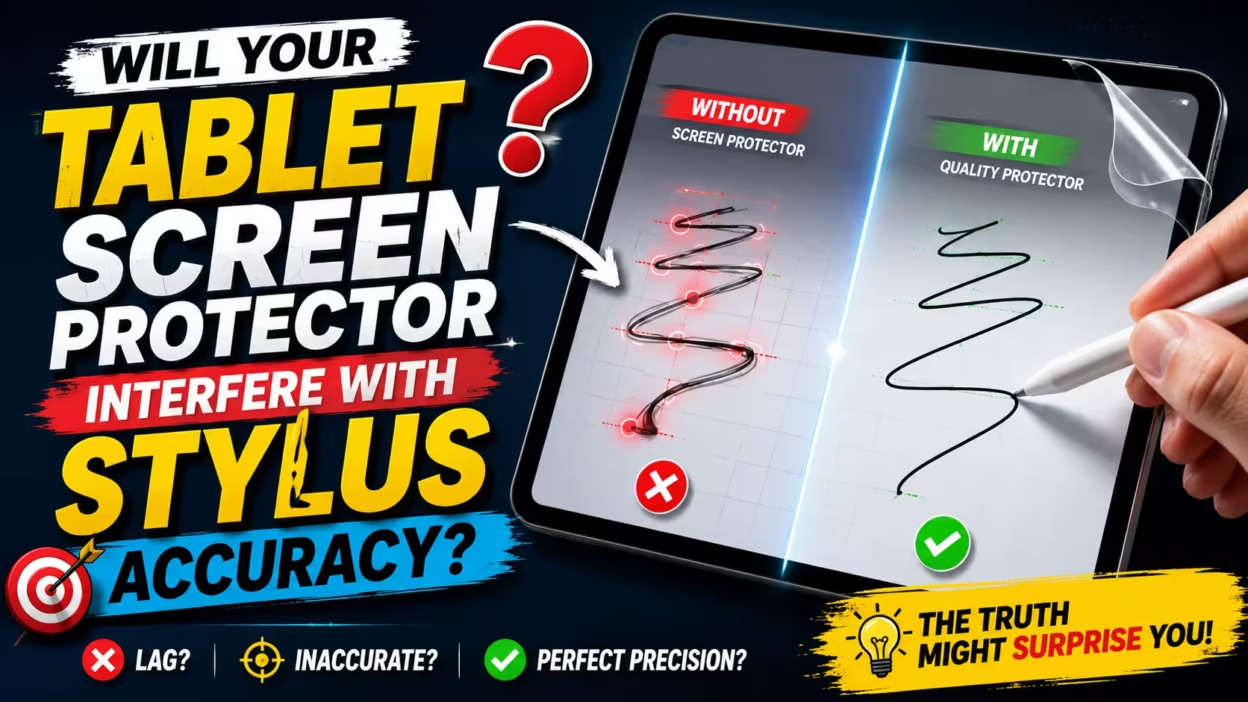
Does a Screen Protector Affect Your Stylus Experience?
Many users worry that adding a tablet screen protector will disrupt the precision of their stylus. It is a common concern that an extra layer might introduce lag or prevent the device from registering fine details during creative tasks. While cheap tablet accessories can vary in quality, modern protectors are typically engineered to be thin enough that they do not interfere with input accuracy.
At SuperGuardZ, our screen protector designs prioritize both durability and performance, ensuring your touchscreen remains responsive to every stroke. Unlike generic film that might shift or bubble, a high-quality tempered glass option provides a solid, clear surface that mimics the feel of bare glass. By focusing on material integration, you can maintain a seamless drawing experience without sacrificing the safety of your tablet screen.
Achieving the best performance often comes down to a combination of three factors: selecting the right material finish, ensuring a clean installation, and adjusting your device’s sensitivity settings. Proper calibration can often bridge the minor gap between a screen protector and a bare display. Following a few simple adjustment tips can ensure your stylus remains accurate while your tablet stays protected from daily wear.
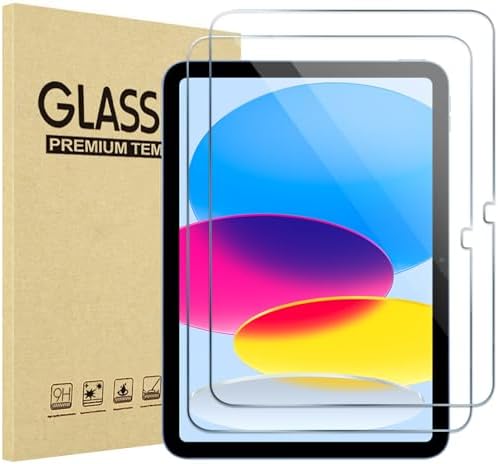
- Exclusively for iPad A16 2025 11th/2022 10th Generation: 11-inch 2025 (model: A3354 A3355 A3356)/10.9 10 Gen 2022 (A2696…
- 9H hardness surface with Super HD transparency
- Ultra thin (0.33mm thickness); True touch sensitivity; Rounded edge integration

- 6 Month CASE CARE+ ! Compatible with Galaxy Tab A11+ Plus / A9+ Plus 5G 11 inch 2026/2025/2023. Model number: SM-X230 / …
- Strong Protection & Screen Protector — This Samsung A11 Plus tablet Case designed with durable anti shock material, buil…
- 360° Rotating Stand & Hand Strap — The adjustable stand provides a stable support on viewing/drawing/typing angles. The …

- Quality tempered glass screen protector exclusively designed for Galaxy Tab A11 Plus 2025 11 Inch (SM-X230/235/236/238) …
- Scratch Resistance: Made of 9H hardness tempered glass, provides perfect protection for the screen against scratches, ac…
- True Touch Sensitivity: Ultra-thin (0.33mm thickness) film with rounded edge integration, maintains the tablet’s slim pr…
Tempered Glass vs Film: Key Differences for Stylus Users
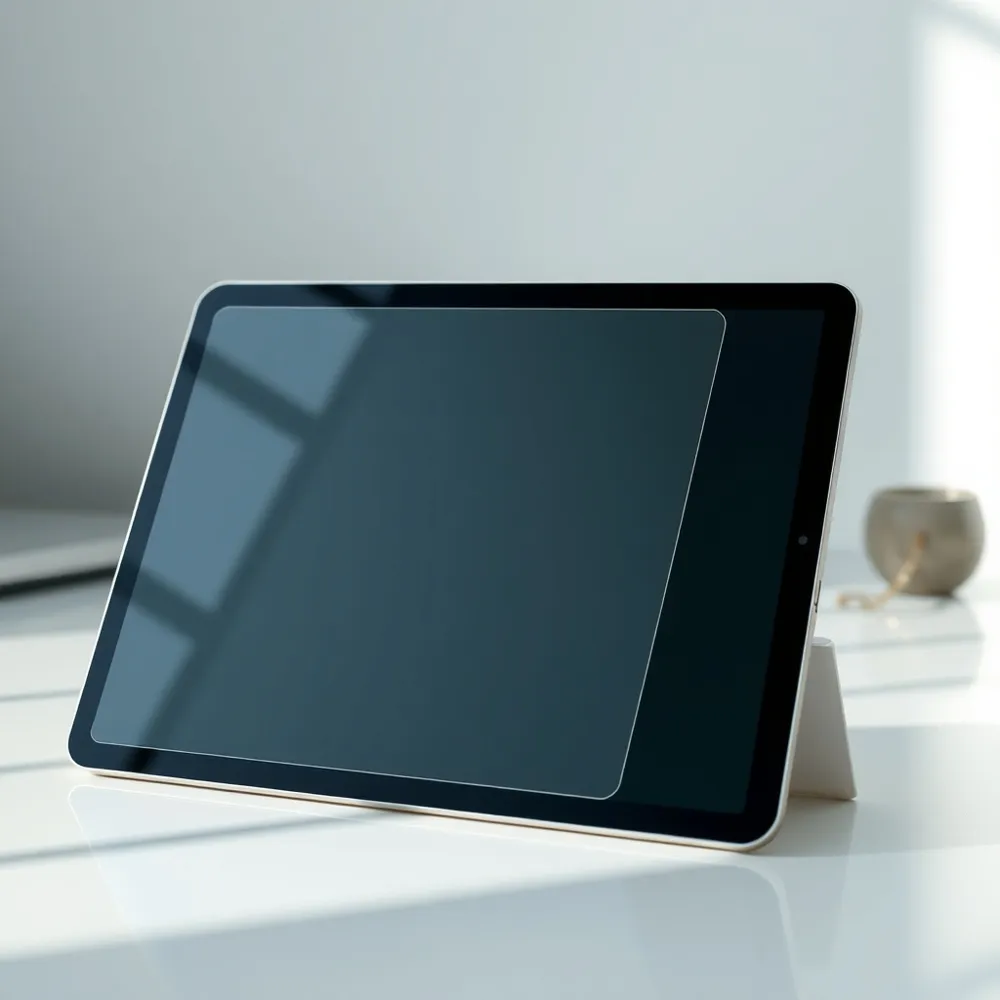
When choosing a tablet screen protector, the main difference lies in material and durability. Tempered glass provides a premium, rigid layer that offers superior impact protection and a natural, glass-like touch experience that mimics your device’s original screen. In contrast, film screen protectors are thin, flexible plastic sheets that excel at preventing surface scratches while maintaining a discreet, lightweight profile. Because film is more pliable, it is often a cost-effective choice for those seeking basic protection, whereas tempered glass is the preferred solution for durability against cracks and drops. Ultimately, your choice depends on whether you value maximum impact resistance or a near-invisible, slim aesthetic for your tablet screen.
Many users worry that adding a layer of protection will interfere with their stylus work. Fortunately, modern manufacturing means that even high-quality tempered glass is designed to be exceptionally thin, ensuring there is no noticeable parallax when you write or draw. While plastic films are flatter and lighter, both options are engineered to maintain a responsive connection between your stylus and the display.
For those who prioritize safety, tempered glass remains the industry standard. High-end protectors often feature a high hardness rating, which provides strong resistance against shattering and heavy impacts. Some options balance this hardened durability with a smooth interface, contrasting with generic plastic films that may offer less impact resistance but are often cheaper for a basic tablet setup. Always look for designs that support precision, as high-quality glass will help you maintain consistent strokes during creative tasks.
Does a Matte Finish Improve Stylus Control?
For artists and frequent note-takers, the tactile experience of a stylus on a glass tablet screen can feel slippery and unnatural. Adding a matte tablet screen protector introduces a subtle texture to the surface that mimics the friction of real paper. This resistance allows for more controlled strokes, making it easier to maintain precision while drawing or writing. Whether you are working on a high-end device or a budget-friendly tablet, this simple accessory can improve your creative workflow.
Balancing Texture and Clarity
While matte finishes improve control, they often come with trade-offs regarding display quality. The anti-glare layer works by diffusing ambient light, which can cause a white glaze effect and reduce overall screen sharpness. SuperGuardZ offers options that minimize these visual distortions. If the display appears muted, increasing your screen brightness can help restore color fidelity.
Can I use a screen protector if I use a stylus for drawing or writing? Yes, you can absolutely use a screen protector while using a stylus for drawing or taking notes on your tablet. Tempered glass or film options found on superguardz maintain full touch sensitivity, ensuring your strokes remain precise and responsive. If you are an artist or frequent writer, consider choosing a matte-finish screen protector, as its textured surface mimics the friction of paper to provide better control. This added layer not only prevents scratches on your tablet screen but also enhances the overall tactile experience of using your stylus. Whether you are using a premium device or a budget-friendly tablet, a well-placed screen protector is a helpful accessory for keeping your display in good condition.
Will It Reduce Touch Sensitivity?
A high-quality tablet screen protector should not impair the responsiveness of your device. When you choose a precisely engineered option, your screen remains just as reactive to your touch as the bare glass. Lag is rarely a result of the material itself, but rather a reflection of the fit and installation quality.
- Trapped air bubbles: Small gaps between the adhesive and the glass can create dead zones where your touch fails to register.
- Debris and dust: Any particulates caught during the application process prevent the screen protector from making full contact, causing inconsistent sensitivity.
- Excessive thickness: While rare with consumer-grade products, an overly bulky protector can sometimes interfere with the capacitive sensors that detect your finger or stylus.
If you notice decreased responsiveness after applying your new accessory, start by checking your tablet’s internal software. Many modern manufacturers include a specific ‘Touch sensitivity’ or ‘Screen protector mode’ toggle in the display settings designed to recalibrate the hardware for a thicker surface. Turning this mode on is often all that is needed to restore performance.
For users who still face issues, you can further refine your input experience through your device’s Accessibility menu. Modifying the ‘Touch & hold delay’ setting to a medium or long interval can help the system register your interactions more reliably. Ensuring your screen protector is properly aligned and free of dust during the first installation is the most effective way to avoid these settings adjustments entirely.
How to Choose the Best Protector for Your Needs
Finding the best tablet screen protector depends on how you use your device. If you are protecting a tablet for a household with kids, look for tempered glass options, which provide strong impact resistance compared to standard plastic alternatives. Artists and note-takers may prefer a matte film that offers a tactile, paper-like surface rather than the slippery feel of bare glass. Matching your accessory to your primary activities ensures you get the right balance of protection and utility.
Always select a product engineered for your specific tablet model. A proper fit ensures your screen protector does not interfere with side buttons, camera lenses, or precise touch sensitivity. While specialized brands or manufacturer options can be expensive, even a cheap tablet benefits significantly from a screen protector. Maintaining a scratch-free surface is one of the most effective ways to preserve display clarity and keep your device in top condition for future resale.
| Feature | Tempered Glass | Film Protector |
|---|---|---|
| Durability | High impact resistance | Basic scratch defense |
| Feel | Smooth, glass-like | Textured or matte options |
| Best For | Everyday protection | Drawing and writing |
Installation and Adjustment Tips for Flawless Accuracy
Achieving a perfect application for your tablet screen protector is the most reliable way to maintain consistent touch response. Common installation issues, such as trapped dust or air bubbles, often create localized dead zones that interfere with stylus precision. Using the alignment tools often included with a screen protector kit helps ensure a precise fit that avoids these common pitfalls, preventing the misalignment that can occur during manual placement.
Some users find that applying a film or glass layer requires a steady hand, so do not hesitate to seek help from a friend if you are uncertain. If your tablet comes with a factory-installed film, remember that some of these are designed to be temporary, while others serve as permanent layers. If you notice a crack or peeling edge on your current cover, it is best to remove it and apply a fresh replacement to restore the original responsive surface of your display.
If you notice that your touch input feels sluggish after installation, check your device settings before deciding on a replacement. Many modern devices offer a touch sensitivity boost that specifically accounts for the extra thickness of a protective layer. If the lag persists, ensure your device is clean, as wet surfaces or environmental debris can cause interference even on high-quality protectors.
Understanding Glare and Display Clarity
Selecting the right tablet screen protector involves balancing physical protection with visual fidelity. While matte finishes provide a textured, paper-like surface that many artists prefer for stylus control, they work by diffusing ambient light. This diffusion can create a slight white glaze effect across the tablet screen, which may alter color depth and contrast.
The visibility of this glaze often depends on your specific environment. Direct overhead lighting or omnidirectional outdoor light usually makes the effect more pronounced, while adjusting your screen to a higher brightness setting can help mask it. If you find your current film interferes with your creative flow, consider a protector designed to maintain transparency without sacrificing durability.
Avoiding Common Clarity Pitfalls
Precision is essential when using a stylus, and a clear, sharp display is vital for maintaining accuracy. Users should be cautious when pairing an anti-glare protector with tablets that already feature factory-etched glass. Stacking these surfaces creates a double layer of light diffusion that typically leads to noticeable blurriness or image distortion.
If you do not require a specific texture, a high-quality tempered glass protector is often the best choice for preserving native display clarity. Unlike cheaper plastic films that may cloud over time, tempered glass options retain touch responsiveness and visual sharpness, keeping your screen crisp and clear.
- Exclusively for iPad A16 2025 11th/2022 10th Generation: 11-inch 2025 (model: A3354 A3355 A3356)/10.9 10 Gen 2022 (A2696…
- 9H hardness surface with Super HD transparency
- Ultra thin (0.33mm thickness); True touch sensitivity; Rounded edge integration
- 6 Month CASE CARE+ ! Compatible with Galaxy Tab A11+ Plus / A9+ Plus 5G 11 inch 2026/2025/2023. Model number: SM-X230 / …
- Strong Protection & Screen Protector — This Samsung A11 Plus tablet Case designed with durable anti shock material, buil…
- 360° Rotating Stand & Hand Strap — The adjustable stand provides a stable support on viewing/drawing/typing angles. The …
- Quality tempered glass screen protector exclusively designed for Galaxy Tab A11 Plus 2025 11 Inch (SM-X230/235/236/238) …
- Scratch Resistance: Made of 9H hardness tempered glass, provides perfect protection for the screen against scratches, ac…
- True Touch Sensitivity: Ultra-thin (0.33mm thickness) film with rounded edge integration, maintains the tablet’s slim pr…
Protect Your Screen Without Compromising Control
Finding a reliable tablet screen protector does not mean you must sacrifice stylus performance. High-quality tempered glass options, such as those found at superguardz, are engineered to maintain a ‘barely there’ feel that keeps your display responsive while providing essential defense against scratches and impacts.
When shopping for a screen protector, prioritize options that explicitly support stylus input. While cheaper plastic films may provide minimal protection, they often lack the durability and crisp clarity of hardened glass covers. Properly installed screen protectors prevent the debris or air bubbles that frequently cause interference, ensuring your device remains both safe and fully functional for creative work.
Ultimately, the right accessory serves as a protective secondary layer without impeding your workflow. By selecting a precision-cut screen protector and checking your device settings for touch sensitivity, you can enjoy peace of mind knowing your tablet screen is guarded against daily wear and tear while your stylus remains as accurate as the day you unboxed your device.


