
✨ Last Updated on July 27th, 2026 by SuperGuardZ Editorial Team
Why Gentle Cleaning Matters
Finding the best way to clean tempered glass and other protective films starts with prioritizing gentle care. When you maintain your screen protectors properly, you extend their lifespan and maintain crisp touch sensitivity. Many owners mistakenly reach for paper towels or household glass cleaners, but these are abrasive and can leave microscopic scratches that dull screen clarity.
Unlike competitors that may prioritize lower-cost, fragile materials, SuperGuardZ emphasizes durable, high-quality construction designed to handle regular sanitization without degradation. To ensure your device stays pristine, avoid using harsh chemicals like bleach or ammonia, which often strip away the oleophobic coating meant to repel fingerprints. Instead, use a soft microfiber cloth to safely lift away surface oils. For deeper grime, a slightly dampened cloth with mild dish soap is far more effective than abrasive alternatives.
- Avoid paper towels and rough fabrics that cause micro-scratches.
- Skip harsh window cleaners to protect the surface coating.
- Apply liquid solutions to your cloth first, never directly to the glass.
- Follow a regular routine to maintain hygiene and visibility.
How Scratches Happen During Cleaning
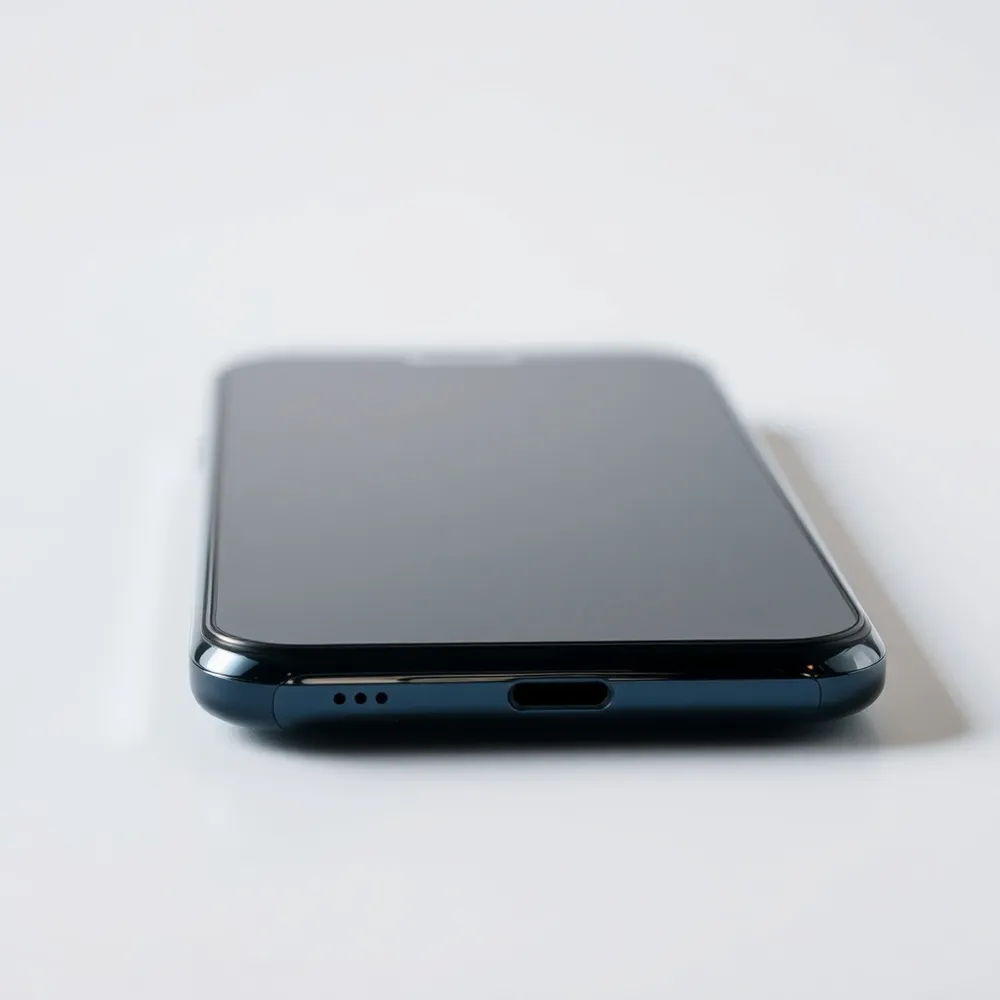
Many users unintentionally damage their devices by using the wrong tools for screen protector cleaning. While it might seem convenient to wipe down your phone with a paper towel or a spare rag, these materials are often abrasive enough to cause tiny, permanent micro-scratches on the surface. These faint marks catch light and degrade the clarity of your screen over time.
For the best way to clean tempered glass or film, always reach for a lint-free microfiber cloth. Unlike rough fabrics, high-quality microfiber lifts away dust and oils without leaving behind damaging fibers or scouring the material. SuperGuardZ includes premium cleaning components in their kits specifically to avoid this common risk.
In addition to fabric choice, your application technique matters significantly. Never spray cleaning solutions directly onto your phone screen, as liquid can seep into device ports or edges, potentially compromising the adhesive bond. Instead, mist your cleaner lightly onto the cloth and then gently wipe the surface. This controlled approach protects the integrity of your SuperGuardZ screen protectors while keeping your device clean and responsive.
The Best Way to Clean Your Screen Protector
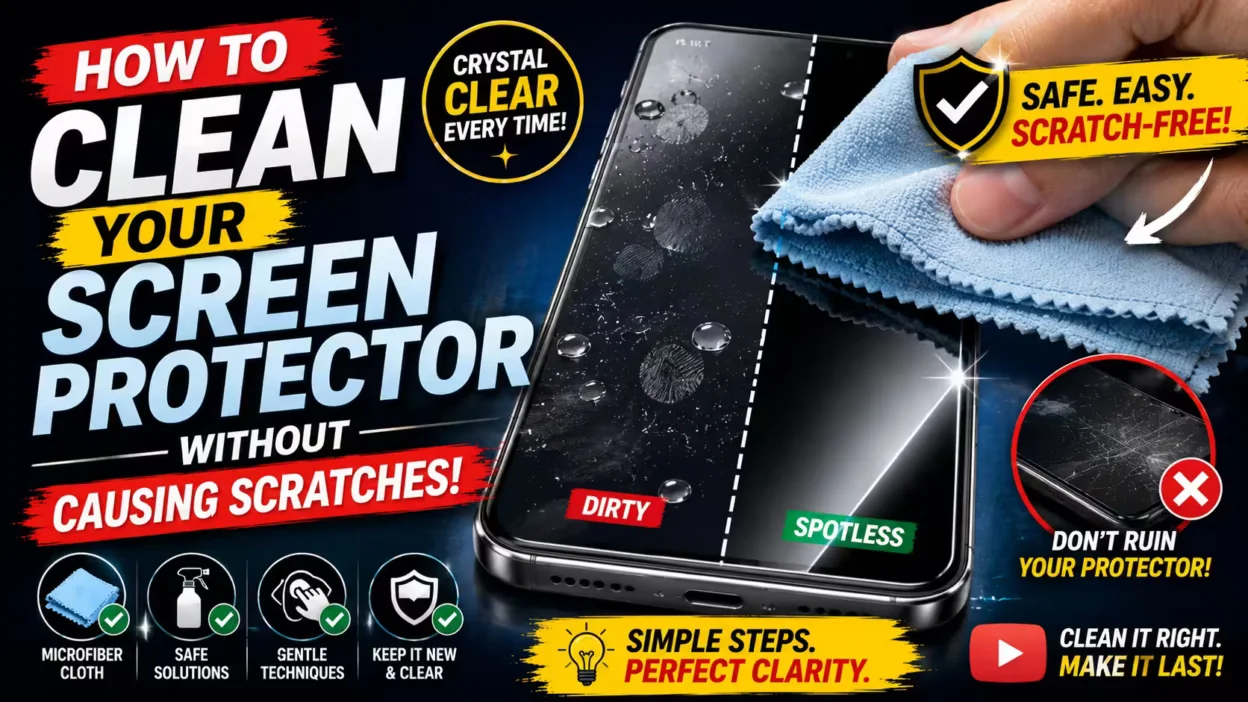
The best way to clean your screen protector is to prioritize soft, lint-free materials that lift dirt without compromising surface integrity. While some users might be tempted to reach for common household supplies, using a high-quality microfiber cloth is essential for all screen protectors. This prevents the microscopic abrasions that often occur with paper towels or rough fabrics.
What is the best way to clean your screen protector to avoid scratches?
Achieving maximum clarity starts with the right technique. When performing routine screen protector cleaning, use a dry microfiber cloth to remove smudges and finger oils. If the surface requires a deeper touch, dampen one corner of the cloth with a mild mixture of dish soap and water. Ensure the cloth is only slightly damp rather than soaking, as excess liquid should never pool near your device edges. Gently wipe the surface in circular motions to avoid streaks and protect the screen protector layer.
Consistency is key to maintaining your display. Many tempered glass screen protectors have coatings designed to endure regular maintenance. Always avoid harsh chemicals such as ammonia or high-concentration alcohol, as these can strip away the protective coating entirely. If you encounter stubborn lint during installation, skip the liquid and use a piece of adhesive tape to gently lift away debris.
- Use a clean, lint-free microfiber cloth for daily smudge removal.
- Dampen the cloth lightly with water and a tiny drop of dish soap for stuck-on grime.
- Use gentle, circular wiping motions to avoid leaving streaks.
- Apply cleaning solutions directly to the cloth, never spray the phone or screen protector directly.
- Store your screen protector accessories properly if you ever need to remove and reapply them to prevent permanent dust accumulation.
Can I Use Household Cleaners on My Screen Protector?
When learning how to clean your screen protector, it is tempting to reach for common household supplies. Even high-quality tempered glass screen protectors can be damaged by harsh chemicals. You should strictly avoid solvents like Windex, bleach, or ammonia, as these aggressive ingredients can strip away the specialized oleophobic coating that repels oils and fingerprints.
While some users might consider generic glass cleaners, these formulations are often too abrasive for mobile devices. Household cleaners risk causing permanent discoloration, damaging the adhesive bond, or creating a hazy finish that reduces overall clarity. Products containing bleach are especially dangerous because they can corrode sensitive components and lead to premature degradation of both the film and the screen itself.
If your surface requires deep cleaning, the best way to clean tempered glass is to use a 70% isopropyl alcohol wipe only sparingly, or a solution of mild dish soap and warm water. Never spray any liquid directly onto the device, as excess moisture can seep into your speaker ports or buttons. Instead, dampen a soft, lint-free microfiber cloth with your chosen solution, then gently wipe the protector in smooth, circular motions. This careful approach prevents moisture damage while keeping your screen protector clean and functional.
How to Clean the Adhesive Side Without Damaging It
If you notice dust or bubbles during the installation process, you may need to know how to clean the adhesive side of your screen protector without ruining its bond. Unlike the front surface, which can be wiped down easily, the underside requires a delicate touch. The best way to clean your screen protector adhesive is to use a piece of clear adhesive tape or specialized dust-removal stickers. Simply form a small loop of tape with the sticky side facing outward and gently dab it across the affected areas to lift away any trapped lint or particles.
When handling the screen protector during this process, always hold it by the outer edges. Touching the sticky surface directly with your fingertips is a common mistake that transfers natural skin oils, which will create permanent smudges and weaken the adhesive seal. If the debris is extensive, some users opt for a quick rinse using distilled water, but this method carries risks. If you must use liquid, ensure you use only a minimal amount, then allow the protector to air-dry completely in a clean, dust-free environment before attempting to reapply it to your device.
While it is technically possible to clean the sticky surface, remember that most screen protectors are designed for a single-use application. Aggressive cleaning or the use of soaps can easily compromise the chemical adhesive, leading to persistent bubbles. If the edges are frayed from the lift, or if you cannot remove all the dust, applying a fresh SuperGuardZ screen protector will often yield better results than risking a flawed fit. Fresh adhesive ensures your device remains fully protected without the frustration of ongoing alignment issues or clarity problems.
Does Trapped Dust Harm Your Phone Screen?
While a speck of dust trapped under a screen protector often appears as a simple cosmetic bubble, it can pose an actual risk to your device if left ignored for long periods. If abrasive debris remains pressed firmly against your display screen, the micro-movements of the protector can cause permanent micro-scratches on your original display surface over time. These particles also act as leverage points, lifting the edges of your screen protectors and compromising the intended secure bond.
Beyond surface damage, trapped debris often interferes with your device performance. The presence of dust beneath the surface can create uneven pressure, which negatively impacts touch sensitivity and reduces the overall clarity of your display. Some protectors use adhesives that are less effective at sealing out dust, making them more vulnerable to these issues.
For the best way to maintain long-term device safety, you should remove the protector as soon as you spot debris. Before attempting a fresh installation in a controlled, dust-free environment, ensure both the original display and the adhesive surface of your protector are completely clean. Using an anti-dust adhesive helps keep your original screen clean and damage-free, preventing these common issues from recurring.
What to Do When Smudges Won’t Go Away

When you find that a stubborn smudge on your screen protector just won’t go away, it can be frustrating. Often, this issue is a sign that the oleophobic coating has worn thin. This specialized layer is responsible for repelling fingerprints and oils, so when it degrades, your surface becomes noticeably more “grippy” and prone to attracting constant, oily smudges.
It is important to distinguish between surface degradation and actual physical scratches. If the marks are only visible when the display is dark or appear as persistent smudges, you can attempt a deeper clean. Carefully dampen a clean microfiber cloth with 70% isopropyl alcohol and gently wipe the surface. While tempered glass screen protectors are more resistant to these issues than plastic films, even the best layers experience natural wear over time.
When is it time for a replacement?
Frequent cleaning with alcohol acts as a temporary fix, but it does not restore the original coating. If common, repeated smudges persist despite your care, the screen protector has likely reached the end of its useful lifespan. Continuing to use a degraded protector reduces screen clarity and touch sensitivity. At this stage, the best way to restore your device to its original brilliance is to install a fresh screen protector. Replacing your old, worn layer ensures your underlying display receives the consistent protection it deserves without the constant annoyance of unremovable fingerprints.
Stay Protected With Regular, Gentle Care
Consistency is truly the best way to clean your screen protector and keep it in new condition for years. Prioritizing a gentle routine ensures your display remains clear without risking the integrity of your SuperGuardZ tempered glass or film accessories.
- Use a dry, premium microfiber cloth for daily smudge removal, as it lifts oils without abrasive friction.
- Apply a tiny amount of mild, diluted dish soap to your cloth for deeper cleaning, ensuring no liquid seeps into device edges.
- Avoid harsh chemicals or household cleaners, which degrade oleophobic coatings faster than standard usage.
Establishing a routine of screen protector cleaning at least twice a month prevents the buildup of bacteria and unsightly grime. High-quality options from SuperGuardZ often feature advanced anti-dust adhesive and durable construction, requiring far less frequent intervention than cheaper alternatives. By sticking to these simple, gentle habits, you maintain superior clarity and touch sensitivity for your device, ensuring a premium user experience every time you interact with your screen.


